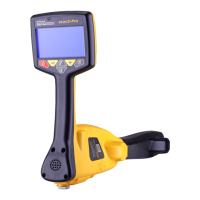
4. Press the button. The display will change to something like the illustration
shown below.
Marker Locator
Adapter
5. Hold the unit steady and on the ground until the display changes to the below. Do
not raise the locator until the display on the right is shown:
Marker Locator
Adapter
20cm
Marker Locator
Adapter
20cm
6. Raise the locator 8” (20cm) and again press the
button as indicated by the
animation. The depth estimation will be displayed similar to the one shown below:
Log
0
1.25m
50
o
42’59.90570’’N
3
o
26’35.54358’’W
27.50m
7. In the event that the marker signal is not valid because either it is very shallow, or
the signal is weak because the marker is very deep, the depth indication will be
replaced by dashes below.
Log
0
-----
50
o
42’59.90570’’N
3
o
26’35.54358’’W
27.50m
rrobertson@wctproducts.com | 13309 Beach Ave. Marina del Rey, CA 90292
Phone: 800-WCT-PROD (928-7763) | Fax: 310-306-9343 | www.wctproducts.com



 To Next Page
 Loading...