35
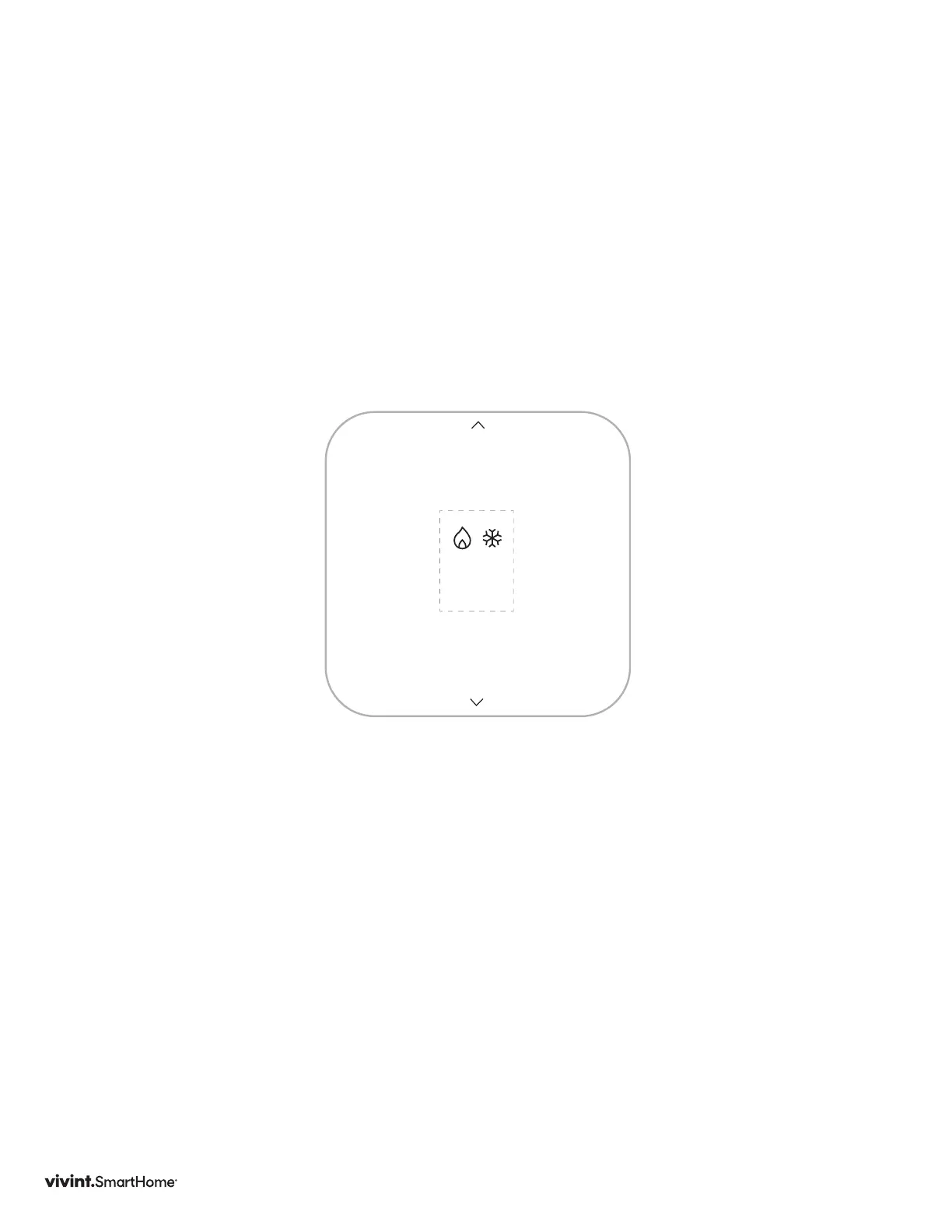
Selecting Mode
Tochangemode,presstheSIDEbutton.UsetheUP/DOWNarrowstochangethe
mode.OFF,HEAT,COOL,HEAT&COOL,E-HEAT.
E-HEAT:ForHeatPumpSystemswithAuxHeatStages.
At this point your setup is complete.
SELECT
MODE
Vivint Element Installation Guide
Setup: HVAC - Mode



 To Next Page