- Opens the Delete Menu
- Saves your selected option in the Menu view
- Opens the menu options for Photo Capture Mode
- Exits the menu screen
- Note: Use the LEFT/RIGHT/UP/DOWN buttons to navigate the
menus.
Toggles between the Video Capture Mode, Photo Capture Mode,
and Playback Mode
LED Flash Option
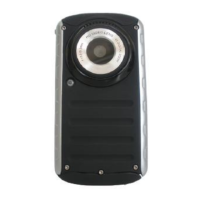
To increase the lighting in dark situations, press the RIGHT button to activate the LED Flash Light
on the front of the camera below the lens.
Press the RIGHT button again to turn the LED Flash Lights off.


 To Next Page