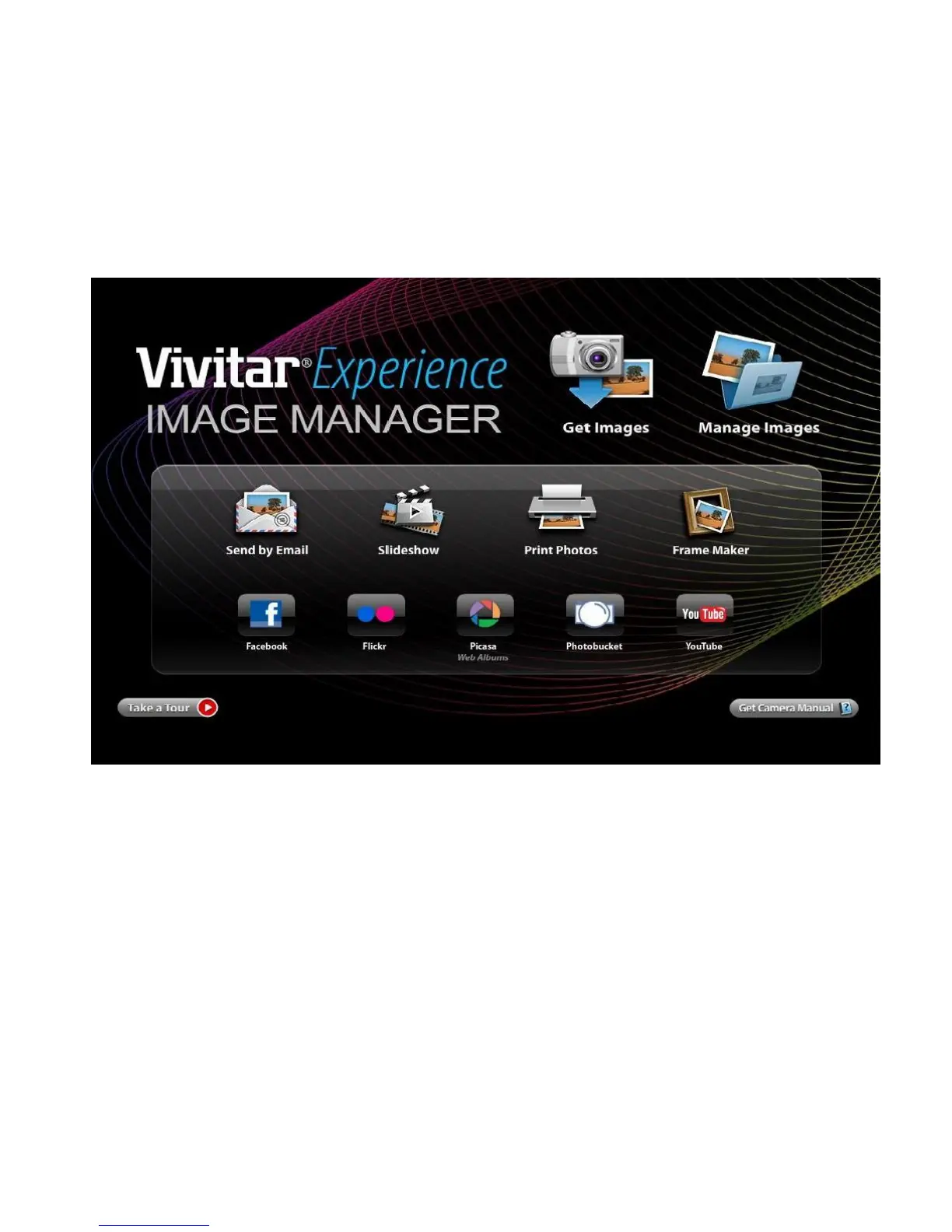
2. The “Get media from device” window opens.
3. You can select to download photos, videos or both.
4. Select your camera (removable disk) from the device window. If your camera is the only USB device
connected then it will be selected automatically.
5. Select a location on the computer where to place the new photo and video files.












 To Next Page