Prepare Your Digital Video Camera for Use
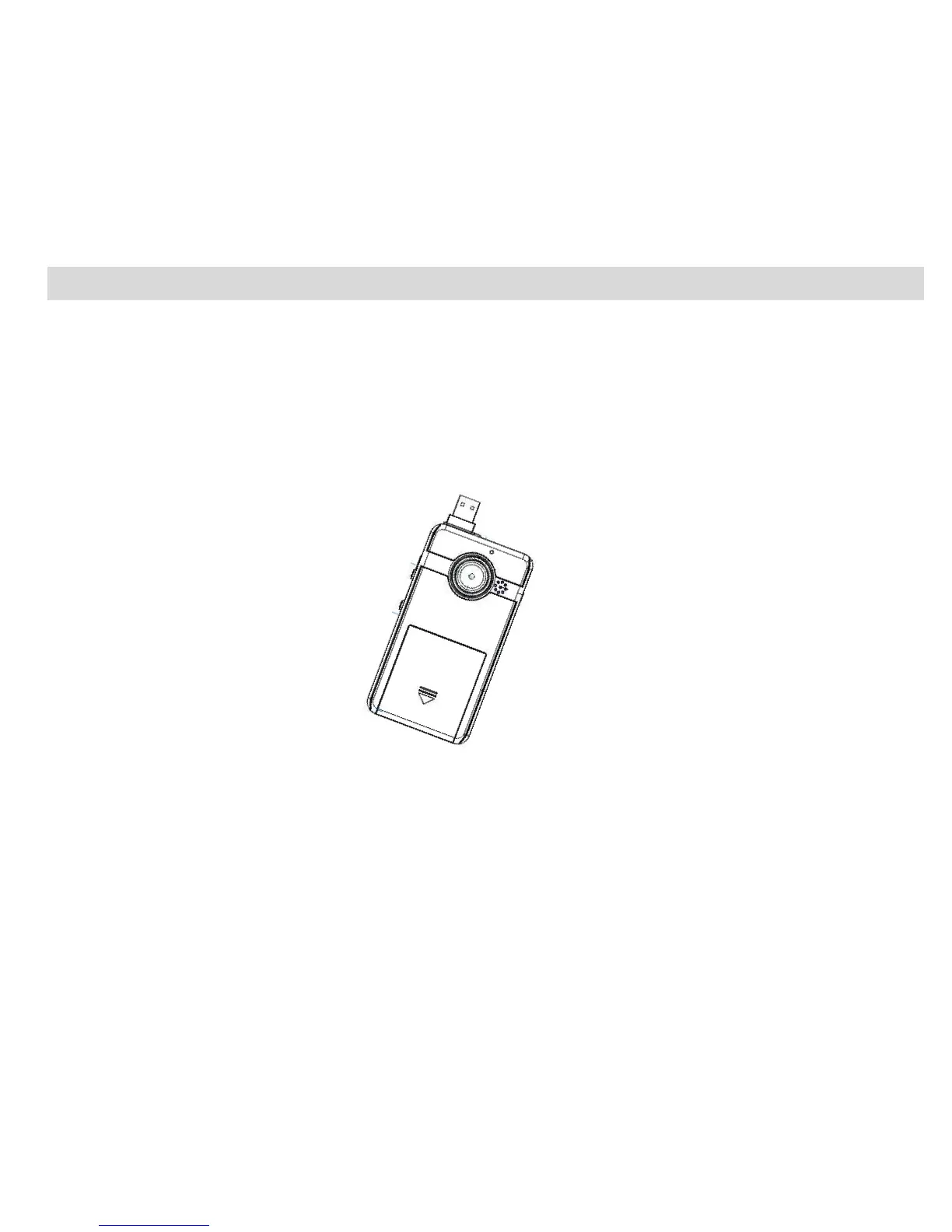
Battery Installation
Your Digital Video Camera requires 3 AAA batteries (alkaline batteries are recommended).
Insert the batteries into your Digital Video Camera as directed below:
1. Slide the battery cover on the front of the camera in a downward direction to open the cover.
2. Insert the batteries with the correct polarity (positive pole/negative pole) as appears in the battery
compartment.
3. Replace and slide the battery cover up to close.
Note:
1. Do not mix old and new batteries.
2. Do not mix alkaline, standard (carbon-zinc), or rechargeable (nickel-cadmium metal hydride) batteries.
3. If the camera locks or freezes and does not respond to any button, remove and reinstall the batteries.













 To Next Page