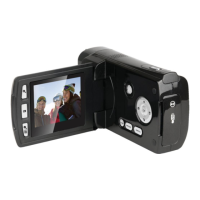
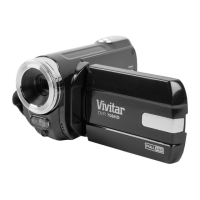
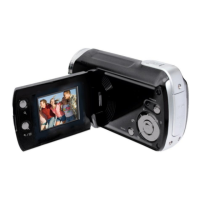
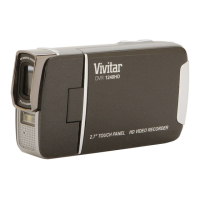
VIDEO CAPTURE MODE BUTTONS
STARTS/STOPS the video capture
MENU - SAVE SELECTION - Saves your selected menu
option.
MODE SELECTION - Toggles between the Photo Capture
Mode, Video Capture Mode and Playback Mode.
MENU – Press for 2 seconds to open the menu options for
Video Capture Mode.
To navigate through the Menus, use the T/UP, W/DOWN,
LEFT, RIGHT buttons.
MENU - Exits the menu screen.
MENU - Navigates through the menu options.
MENU - Navigates through the menu options.
MENU - Navigates through the menu options.
MENU - Navigates through the menu options.


 To Next Page