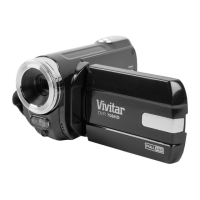
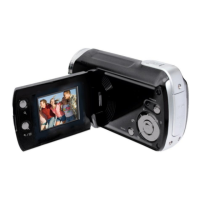
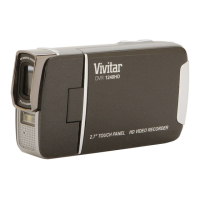
VIDEO CAPTURE MODE MENUS
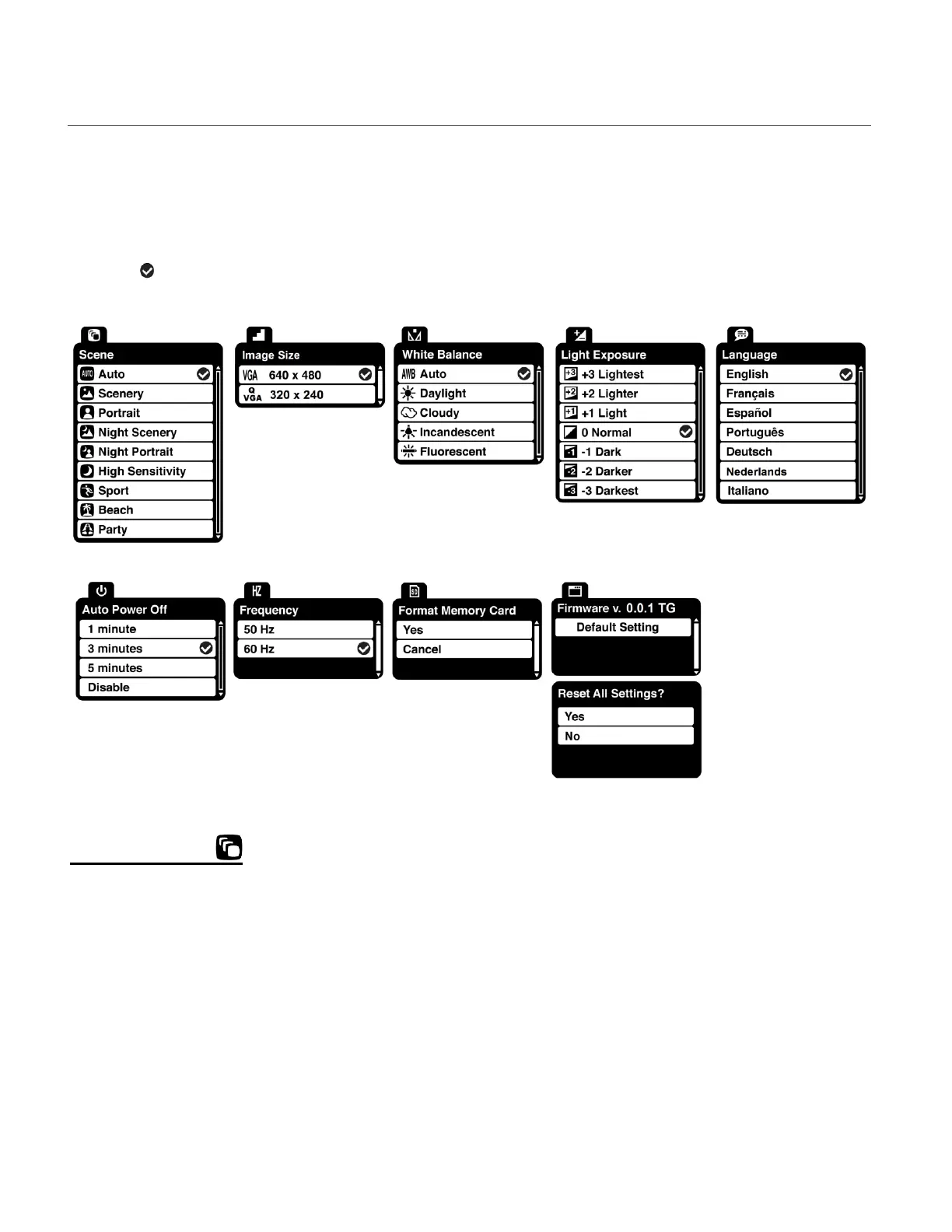
The following are the menus that appear in your camcorder’s Video Capture Mode:
Once you change a setting, the setting is saved by your camcorder until you manually change
the setting or restore the camcorder’s Factory Default Settings.
The selection icon displays the Factory Default Settings in the menus shown below.
SCENE MENU
The ‘Scene’ menu allows you to choose scene settings that let your camcorder to adapt properly
to your current environment.
The ‘Scene’ options include:
Auto / Scenery / Portrait / Night Scenery / Night Portrait / High Sensitivity / Sport / Beach / Party
1) Press the MENU button for 2 seconds to open the menus for the current mode.
2) Press the LEFT or RIGHT button to scroll and select the ‘Scene’ menu.
3) Press the T/UP or W/DOWN button to highlight a specific option.
4) Press the SHUTTER/OK button to confirm and select the highlighted menu option.


 To Next Page