Audio Mode
You can record audio clips with your camcorder. The amount of time to record your audio clips
depends on how much memory is left after capturing videos and taking photos. Insert an SD card to
expand the memory capacity of the camcorder to enjoy many more hours of recording.
After you power on your camcorder, press the MODE button on the bottom left of the LCD screen
until the Audio screen appears.
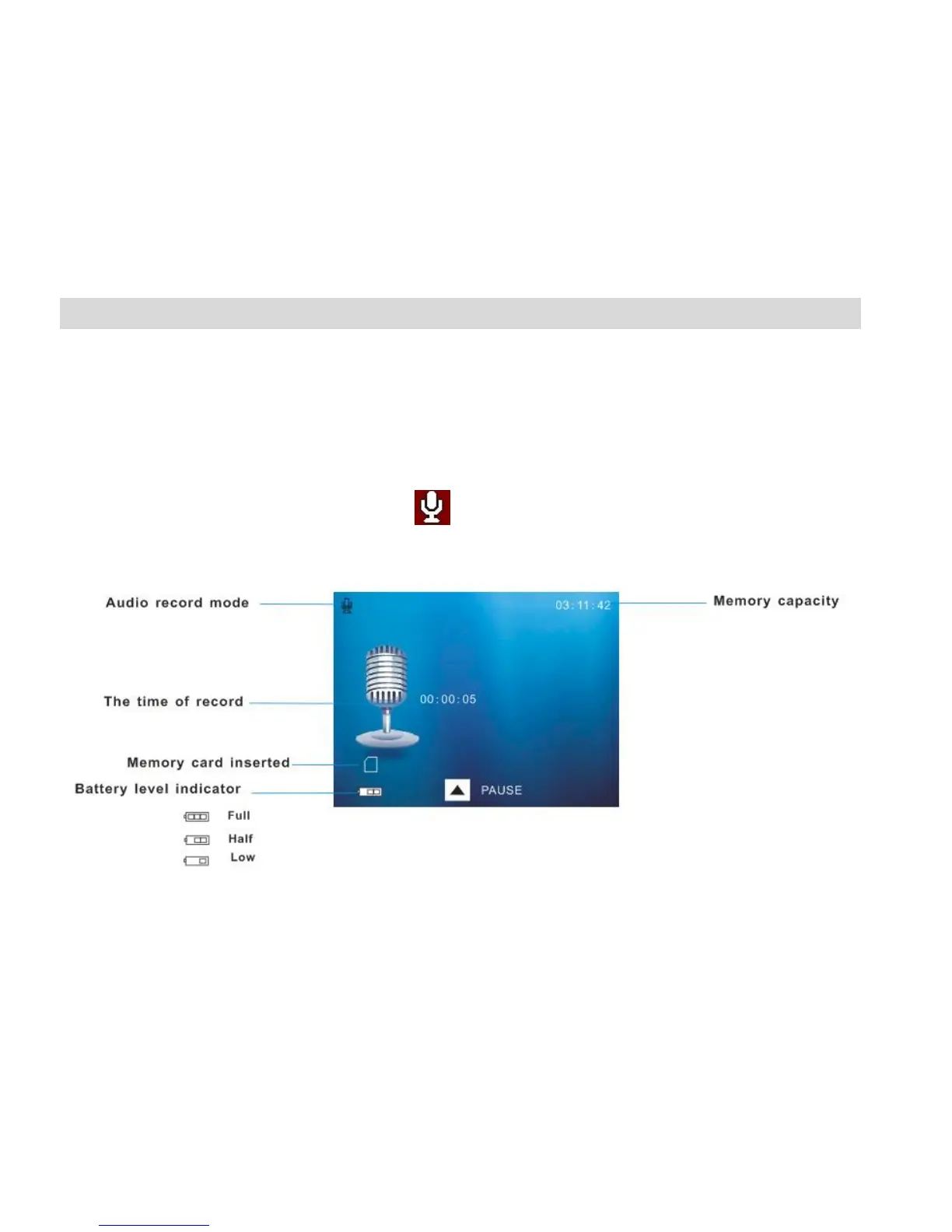
The Audio screen will appear with the audio icon appearing on the top left corner of the screen.



 To Next Page