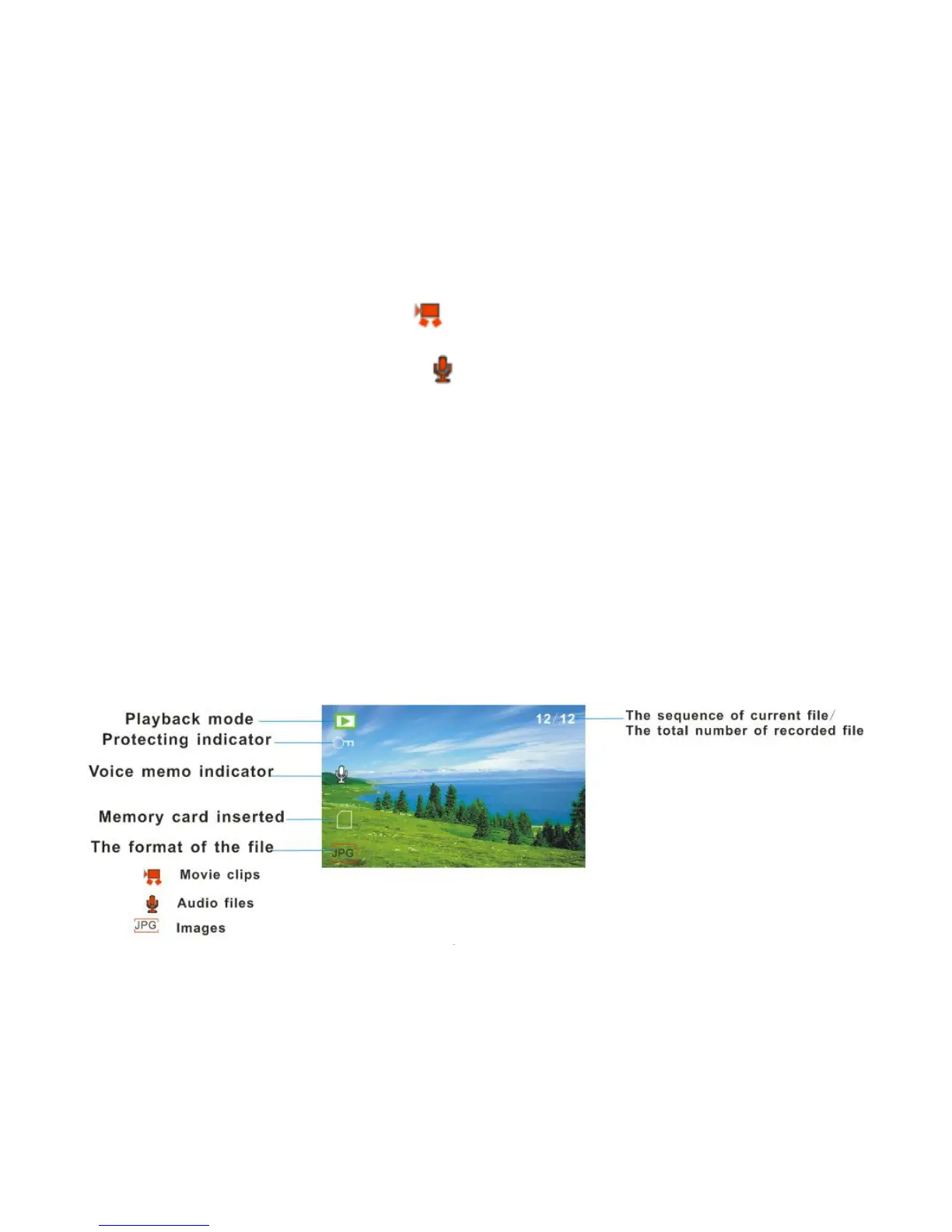
3. A Video file appears with a Video icon on the bottom left corner of the LCD.
4. An Audio file appears with an Audio icon on the bottom left corner of the LCD.
Photos - In Playback mode you can Lock, Delete, View as Slideshows, change the Effect,
Rotate, Resize, add a Voice Memo or Print the photo directly by connecting the camcorder
via the USB cable to a Pictbridge compatible printer.
Videos - You can Lock or Delete the video clips recorded.
Audio - You can Lock or Delete the audio files recorded.
Note:
If there are no images in your memory a “No File” message will appear on the LCD screen.



 To Next Page