1. Press the MENU button.
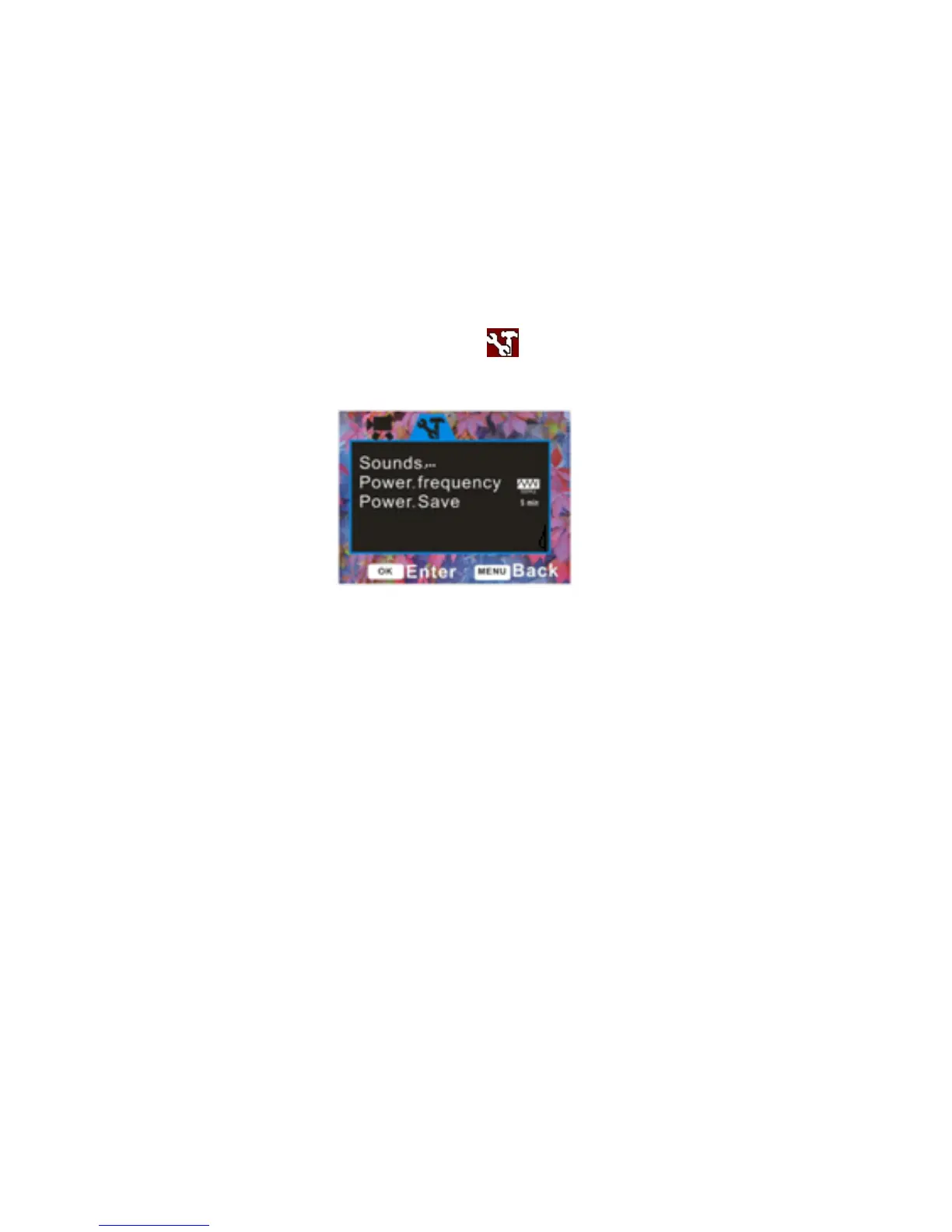
2. Press the Right button to select the icon to open the Setup menu.
Sounds
In this Setup mode you can adjust the sounds the camcorder emits
1. Press the Up/Down button to select the Sounds menu.
2. Press the OK button to open the Sounds submenu.
3. Press the Up/Down button to highlight and select the Sounds options:
Shutter, Start-up, Beep, Volume



 To Next Page