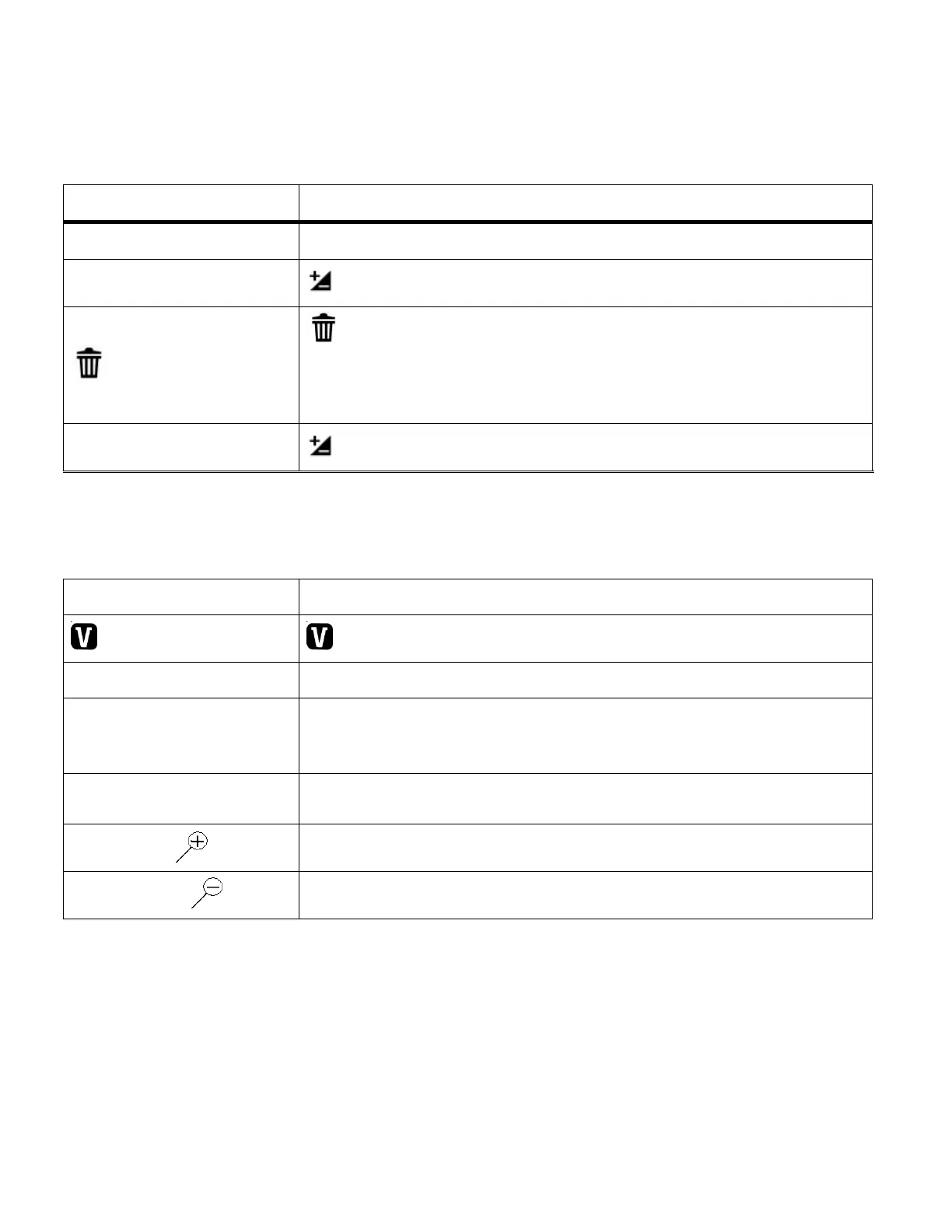
Video Capture Mode Quick Function Buttons
Your digital video camera has four directional control buttons that function as Quick Function buttons.
No function in Video Capture Mode
Light Exposure – Changes the Light Exposure Setting
Delete - Opens the „Delete This Video‟ option and allows you
to view and delete the last video taken as well as previously
captured videos
Light Exposure – Changes the Light Exposure Setting
STARTS/STOPS the video capture
ViviLink - Opens the ViviLink for Videos menu
Opens the menu options for Video Capture Mode
Toggles between the Video Capture Mode, Photo Capture
Mode, and Playback Mode
Exits the menu screen
Turns On/Off the LED Lights
Saves your selected option in the Menu view


 To Next Page