Video Capture Mode
The Video Capture Mode allows you to capture videos with your digital video camera.
When the camera is first powered ON, the camera will be in Video Capture Mode.
Taking a Video
1) While in Video Capture Mode use the LCD display to direct the camera at the scene you would like
to capture.
2) You can magnify your subject up to 4 times using the digital zoom while capturing your photos and
recording your videos.
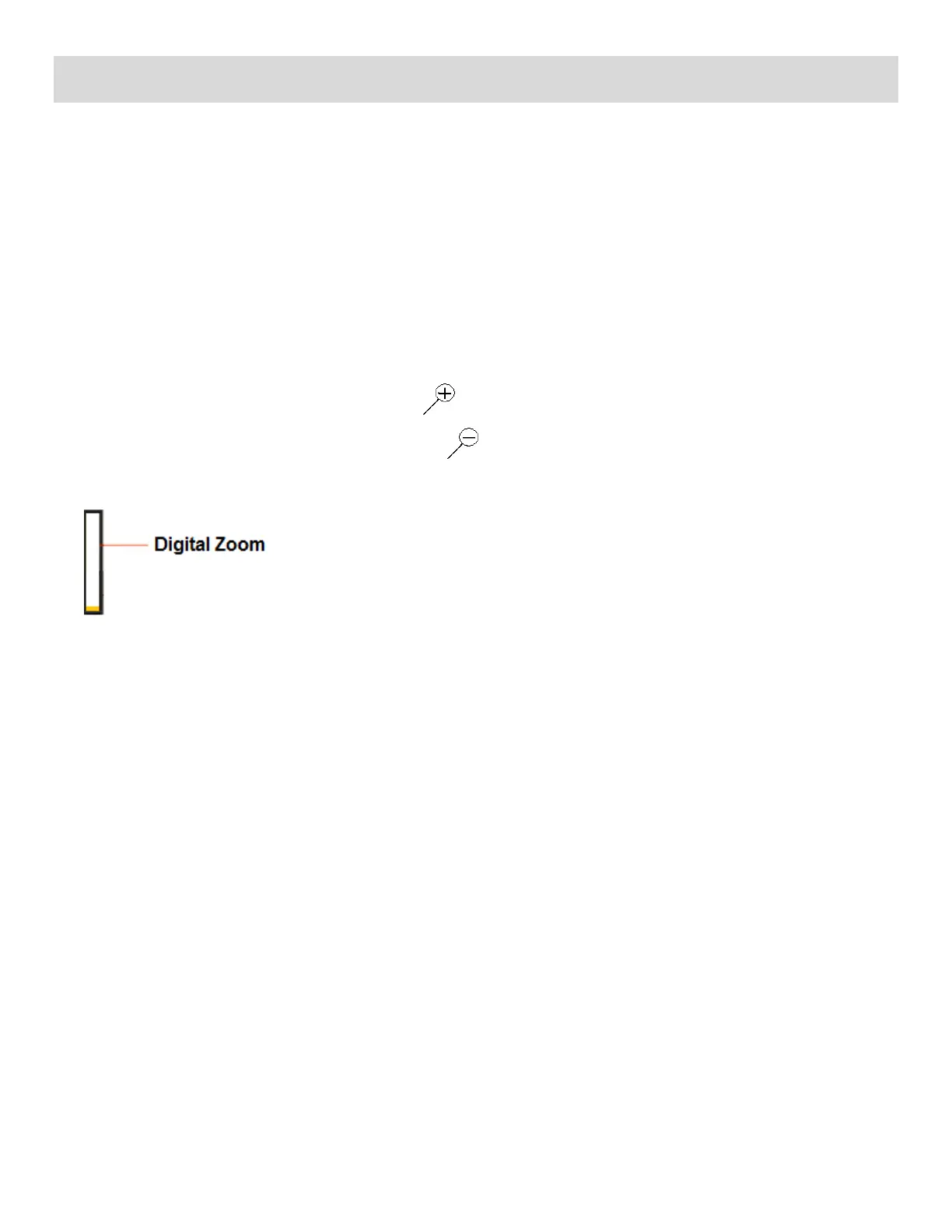
Push the Zoom control button up, the T button, to zoom in on the object.
Push the Zoom control button down, the W button, to zoom back out.
The following Digital Zoom Indicator appears on the right side of the LCD screen:
The zoom indicating bar moves up when you Zoom In (T) and moves down when you Zoom Out
(W).
3) Press the Shutter button on the top of the digital video camera to START the video capture.
4) A red, blinking icon appears at the top of the LCD screen indicating that the record is in progress.
On the top right, the recording time appears, indicating the amount of elapsed time as the video is
being captured.
5) To STOP the video record, press the Shutter button again.
6) The video is automatically saved to the camera‟s SD memory card.


 To Next Page