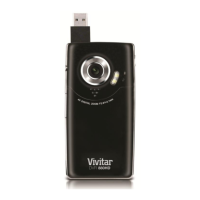
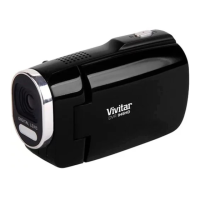
Video Playback Mode Quick Function Buttons
Your digital video camera has four directional control buttons that function as Quick Function buttons.
Displays the PREVIOUS image
No function in Video Playback Mode
No function in Video Playback Mode
STARTS/STOPS the video playback
ViviLink - Opens the ViviLink for Videos menu
Opens the menu options for Video Playback Mode
Toggles between the Video Capture Mode, Photo Capture
Mode, and Playback Mode
Exits the menu screen
Saves your selected option in the Menu view
STOPS video playback
Opens Thumbnail View
To Navigate in the Thumbnail View: press the UP / DOWN /
LEFT / RIGHT direction buttons
To select an AVI (video) in the Thumbnail View: press the SET
button


 To Next Page