VIVOTEK
12 - User's Manual
LED Denitions
Item LED status Description
LED Denitions
1 Steady Red Powered and system booting, or network
failed
Red LED off Power off
Green LED off Network is disconnected
2 Steady Red and Green LED blinks every 1
sec.
Connected to network
3 Green LED blinks every 1 sec. and RED
LED blinks consecutively every 0.15 sec.
Upgrading rmware
4 Green and RED blink every 0.15 sec, Green
and RED light on, then blink again.
Restoring defaults
5 RED LED is on, Green LED blinks and RED
LED is constantly on.
Status after a reset (network connected)
Green and RED LEDs are constantly on. Status after a reset (network
disconnected)
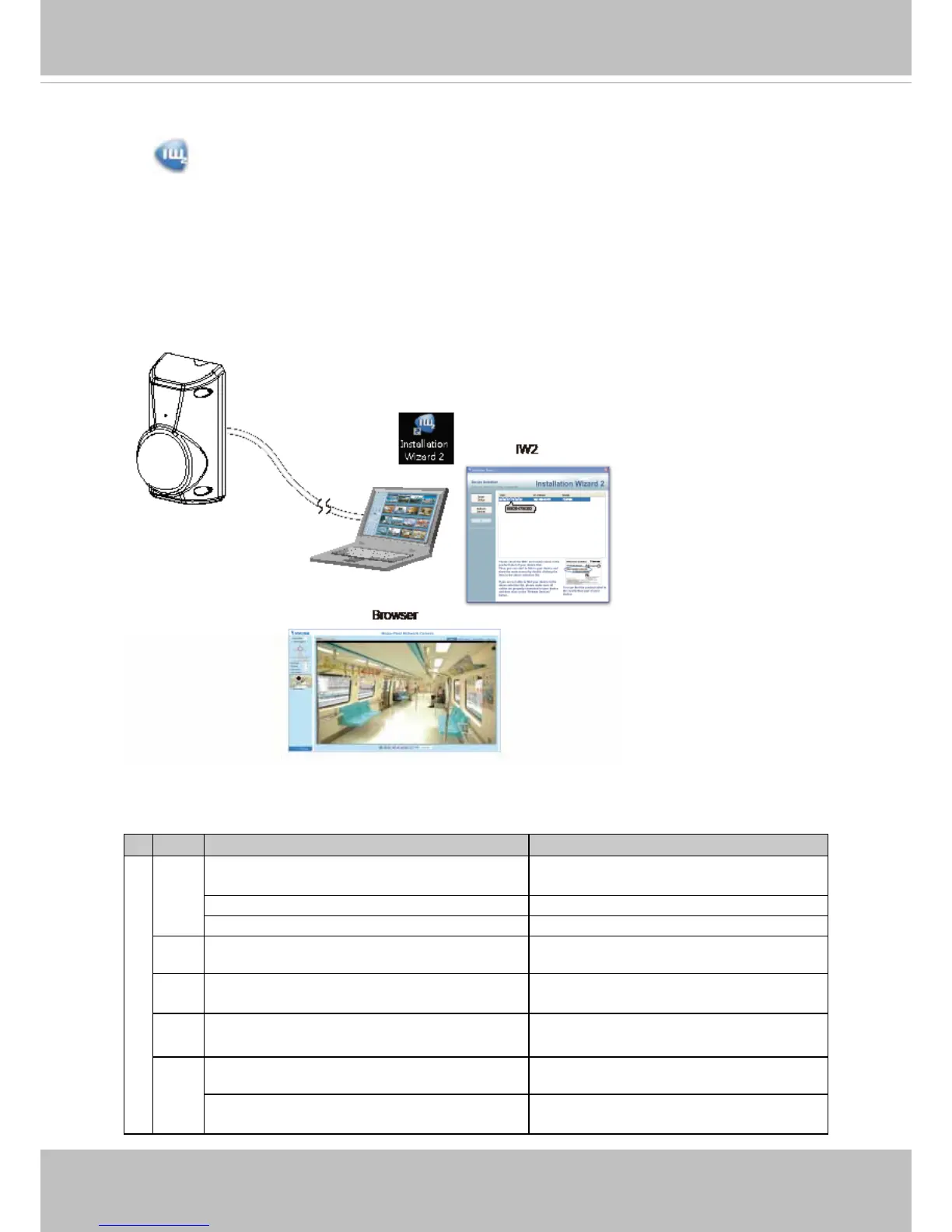
8. Install the "Installation Wizard 2" software utility that can be found on VIVOTEK’s
website.
9. The program will search for VIVOTEK Video Receivers, Video Servers or Network
Cameras on the same LAN.
10. Double-click on the camera's MAC address to open a browser management session
with the camera.
11. With a live view is displayed on your laptop, check the live view to ensure the image is
in focus.


 To Next Page