VIVOTEK
124 - User's Manual
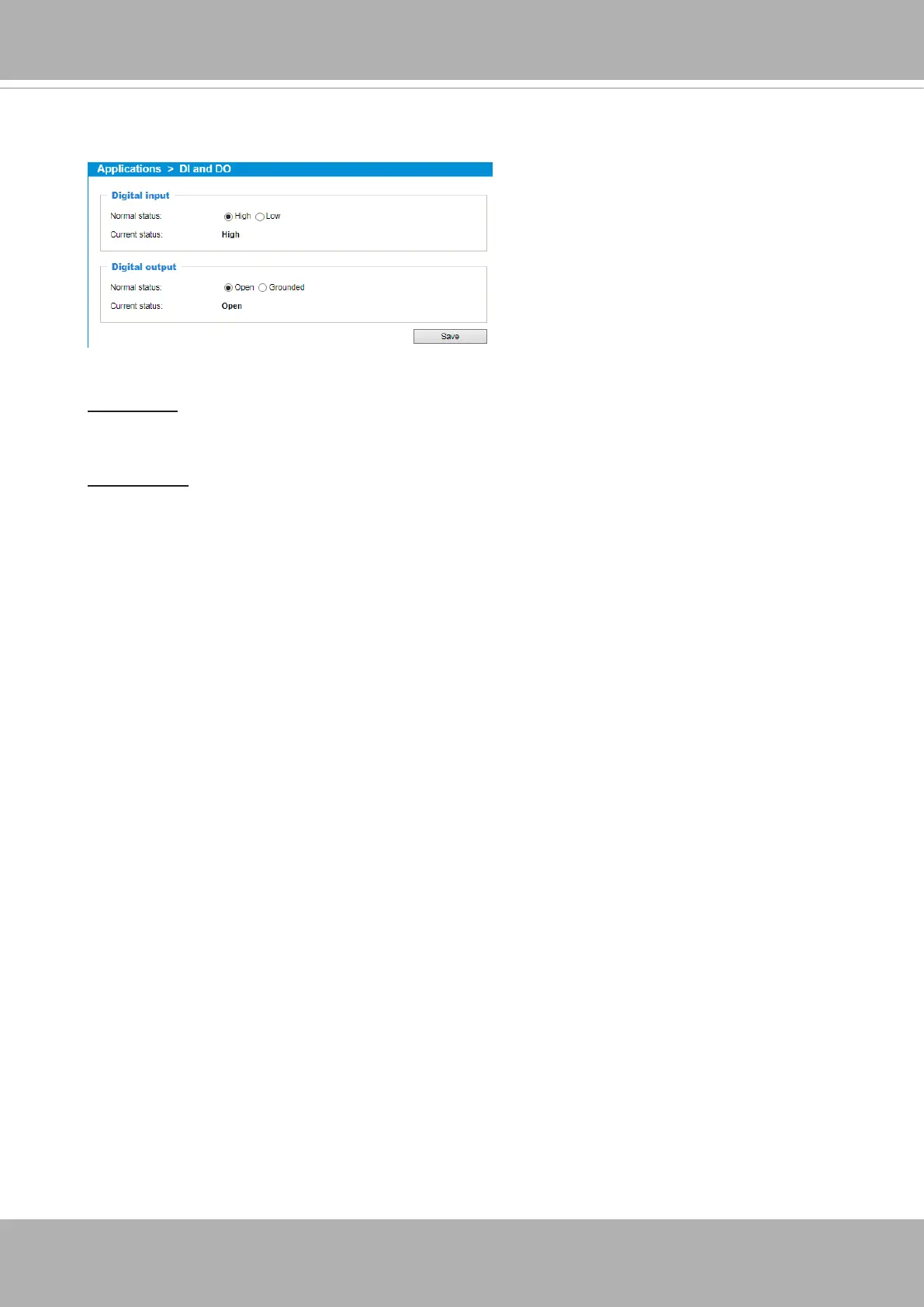
Applications > DI and DO
Digital input: Select High or Low to dene normal status for the digital input. Connect a digital input
from a sensor device to the camera, the Network Camera will report the current signal status. You
may then congure the Normal status (non-trigger status) as High or Low.
Digital output: Select High or Low to dene normal status for the digital output. Connect an output
line to an external device, the Network Camera will report the current signal status. You may then
congure the Normal status (non-trigger status) as High or Low.
Set up the event source as DI on
Event > Event settings > Trigger.
Please refer to page 107 for
detailed information.



 To Next Page