VIVOTEK
14 - User's Manual
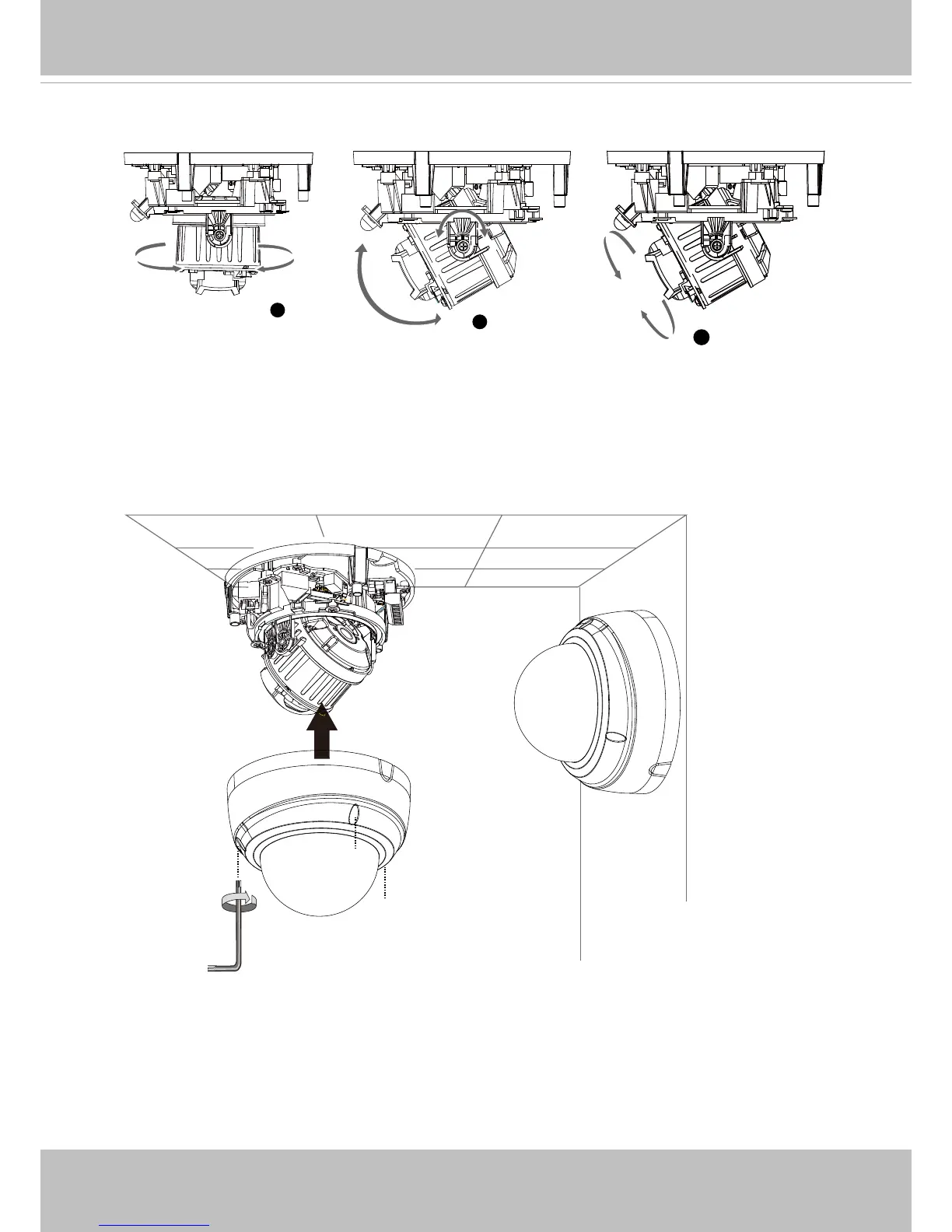
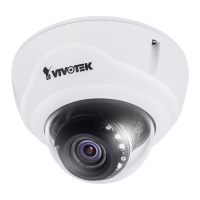
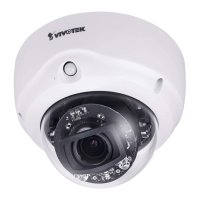
9. Loosen, but not completely remove, the retention screws on the camera to adjust the
camera’s shooting direction. You can pan, tilt, or rotate the camera.
1
2
3
350°
350°
60°
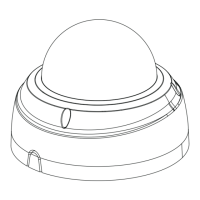
11. Install the dome cover.
10. Tighten the retention screws when you are statisfied with the field of view.





 To Next Page