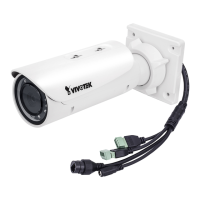
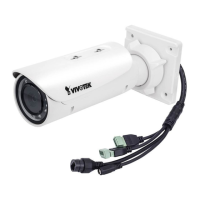
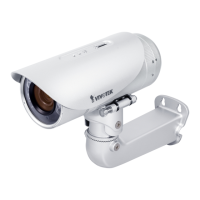
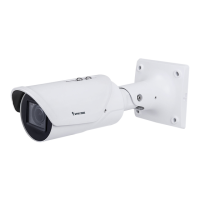
VIVOTEK
6 - User's Manual
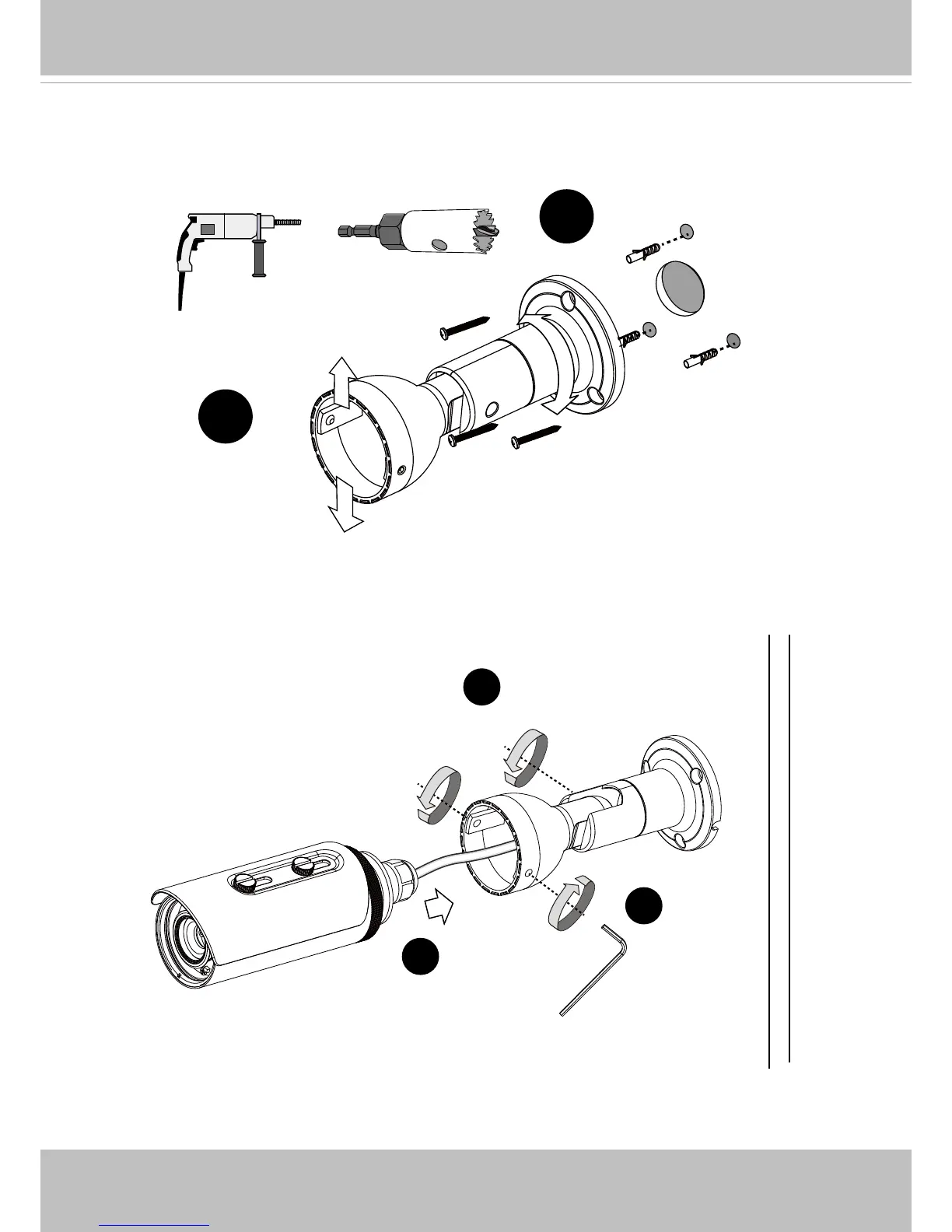
6. Drill holes on the wall for securing the bracket and passing the Ethernet cable. Secure the
bracket to a wall or ceiling using the included screws and anchors.
7. Adjust the shooting angle to a preferred position by turning the moving parts of the bracket.
7
6
8. Pass the Ethernet cable through the backet and the pre-drilled hole.
9. Secure the camera to bracket by fastening the hex screws.
10. Tighten the hex screw on the side of the bracket to secure the angular position.
10
8
9



 To Next Page