- 42 -
www.vivotek.com
T: 886-2-82455282
F: 886-2-82455532
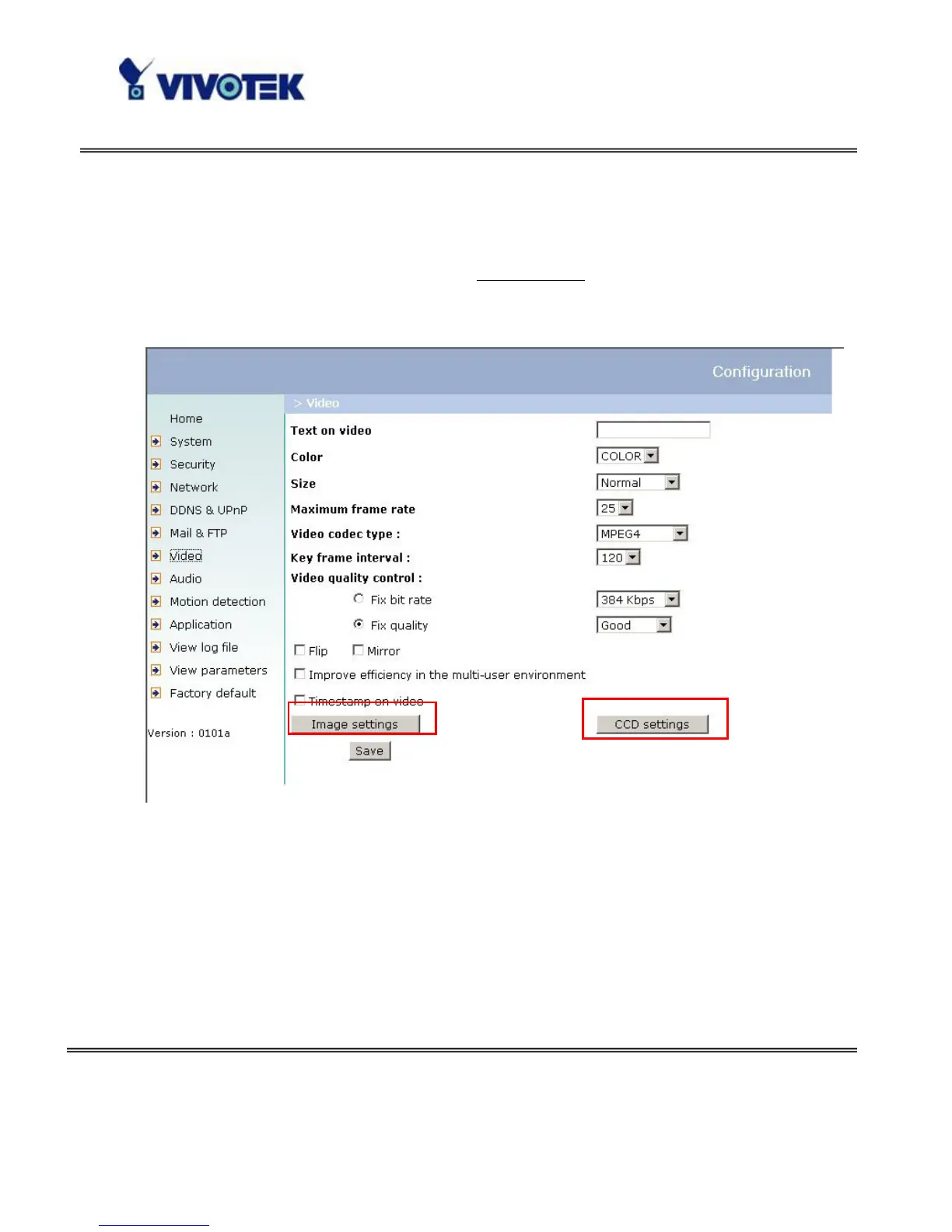
improve efficiency in the multi-user environment when running in the low bandwidth
environment. But it will cause each connection slow a few minutes when connection
established.
“Time stamp on video” When selected the time stamp format is:
a) “Size” becomes Normal or Double, “Text on video
hh:mm:ss yyyy/mm/dd”
b) “Size” becomes half, “hh:mm:ss yyyy/mm/dd”
<url> http://<Network Camera>/setup/video.vspx
<Network Camera> is the domain name or original IP address of the Network
Camera.



 To Next Page