Viewing Window
Advanced Mode
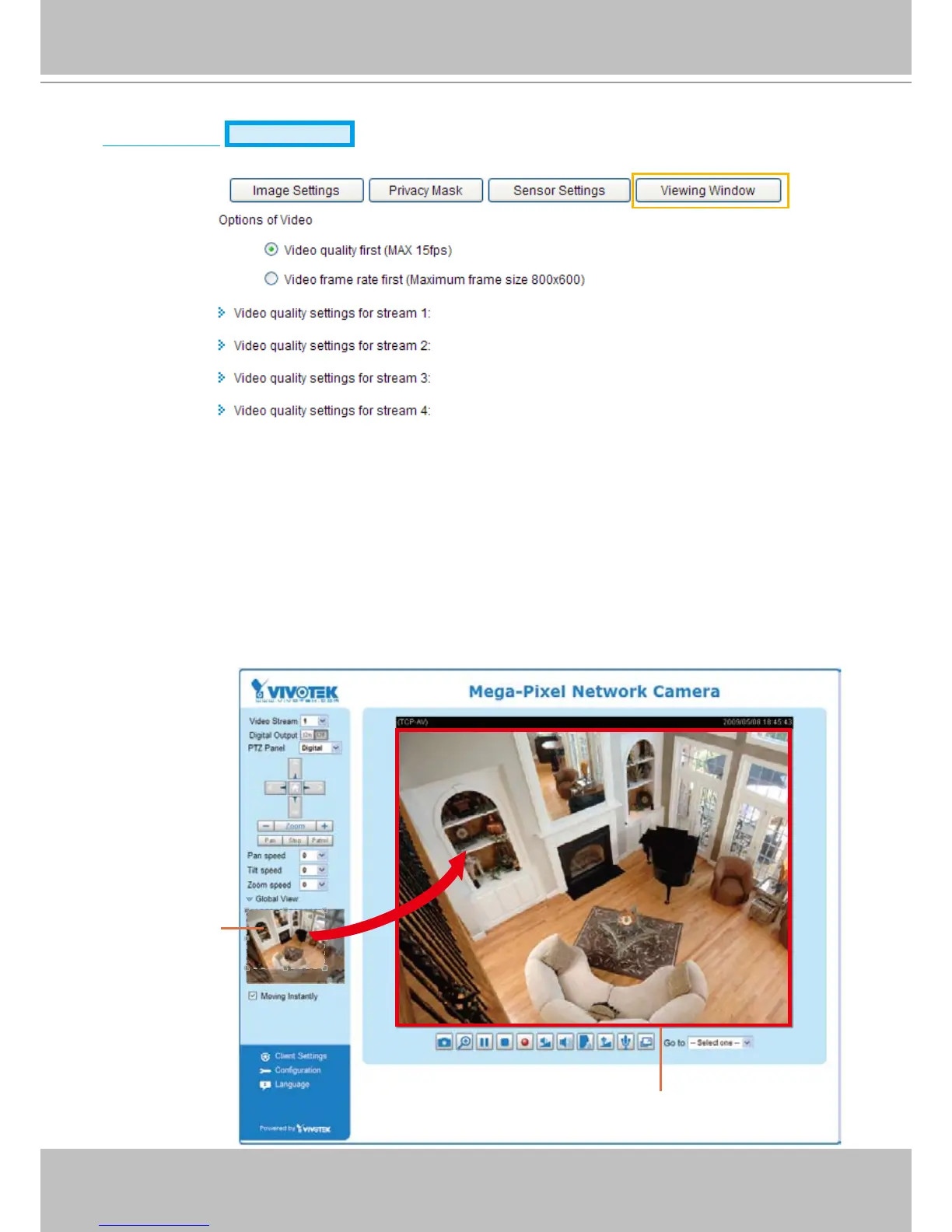
This Network Camera supports multiple streams with frame size ranging from 176 x 144 to 1600 x 1200�
The denition of multiple streams:
■ Stream 1: Users can dene the "Region of Interest" (viewing region) and the "Output Frame Rate" (size
of the live view window)�
■ Stream 2: Users can dene the "Region of Interest" (viewing region) and the "Output Frame Rate" (size
of the live view window)�
■ Stream 3 (Mobile stream): Users can dene the "Region of Interest" (viewing region), but the "Output
Frame Rate" (size of the live view window) is xed at 176 x 144.
■ Stream 4 (Global view stream): This stream captures the full view of the video and streams out at the
maximum resolution (1600 x 1200)�



 To Next Page