EN - 4
Network Deployment
5
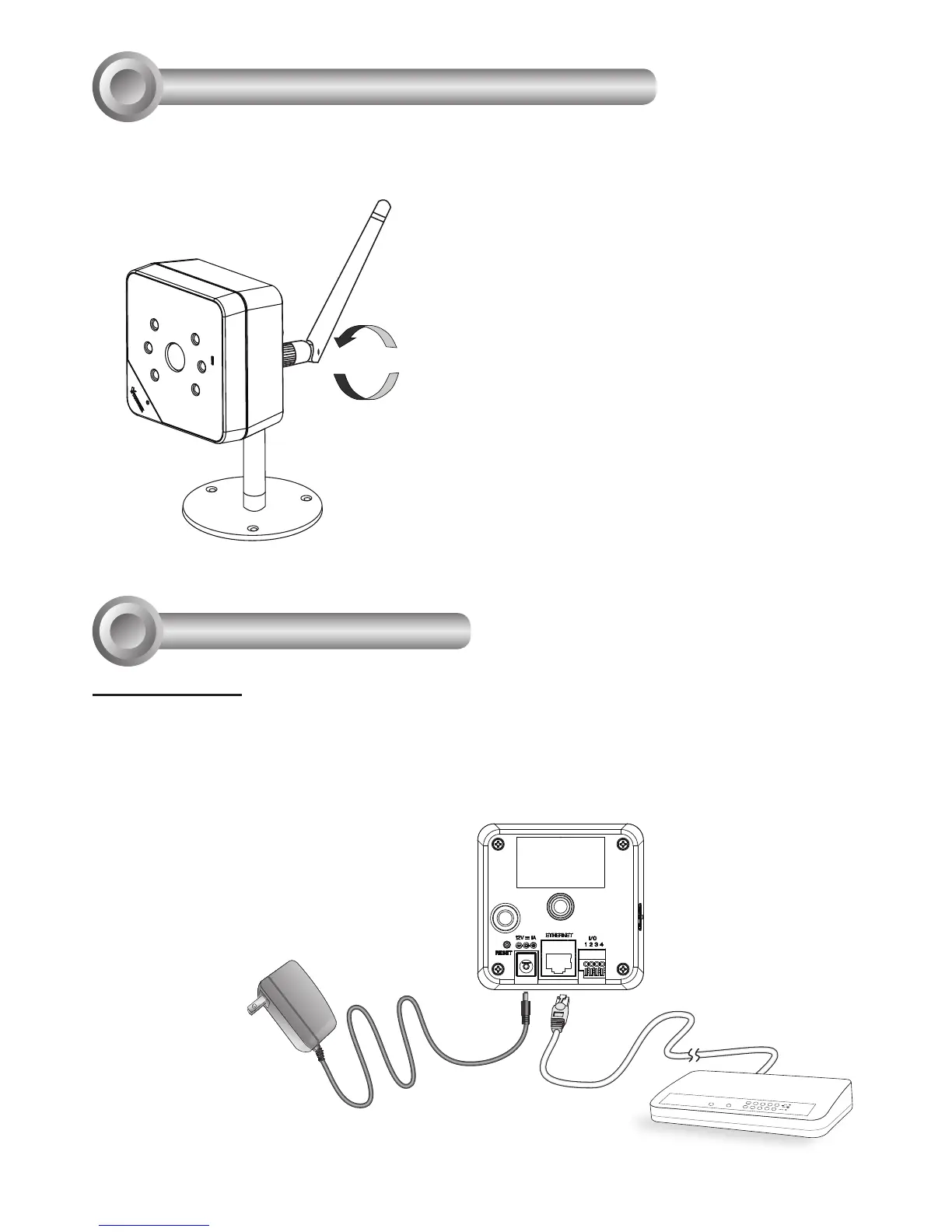
1. If you have external devices such as sensors and alarms, make connections from the
general I/O terminal block.
LAN Connection
POWER
COLLISION
LINK
RECEIVE
PARTITION
1
2
3
4
5
3. Connect the supplied power cable from
the camera to a power outlet.
2. Connect the camera to a switch via Ethernet cable or directly to a computer. Ethernet
must be connected before power on.
Install the Antenna (wireless models)
4
An antenna comes with the camera. Install it by turning clockwise to attach to the
connector.



 To Next Page