VIVOTEK
User's Manual - 61
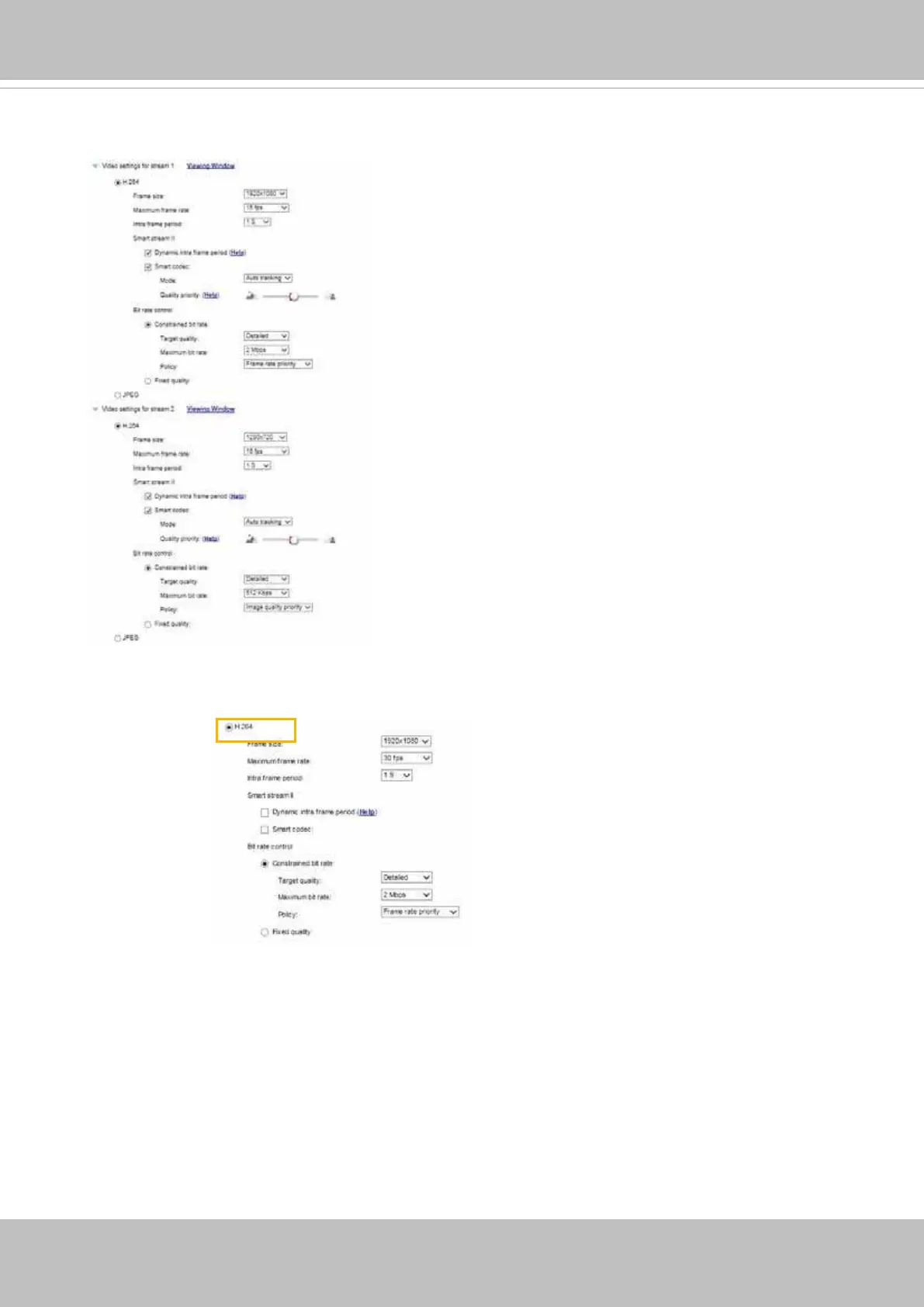
Click the stream item to display the detailed information. The maximum frame size will follow your
settings in the above Viewing Window sections.
This Network Camera offers real-time H.264 and MJPEG compression standards (Dual Codec) for
real-time viewing. If the H.264 mode is selected, the video is streamed via RTSP protocol. There
are several parameters through which you can adjust the video performance:
■ Frame size
You can set up different video resolutions for different viewing devices. For example, set a
smaller frame size and lower bit rate for remote viewing on mobile phones and a larger video
size and a higher bit rate for live viewing on web browsers, or recording the stream to an NVR.
Note that a larger frame size takes up more bandwidth.



 To Next Page