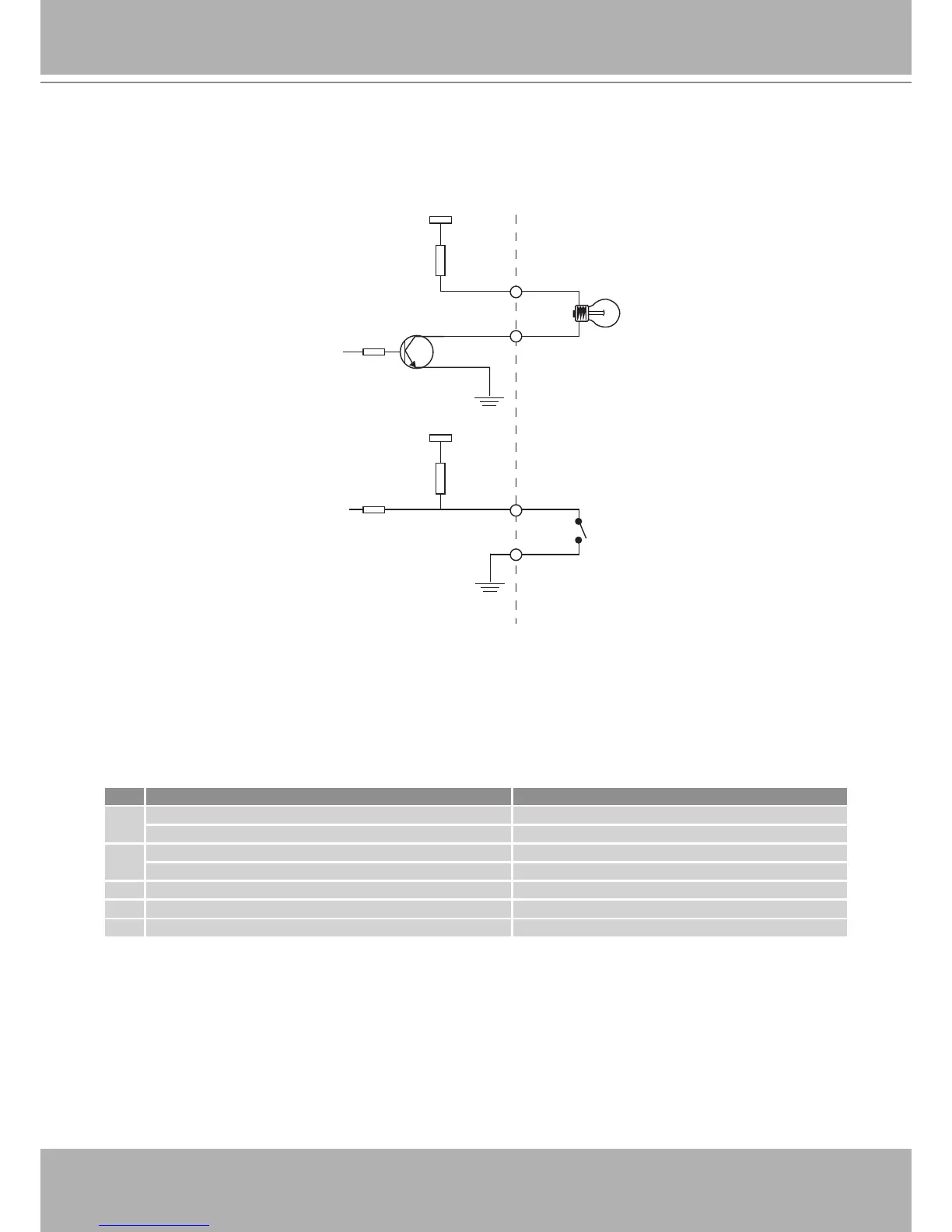
Status LED
The LED indicates the status of the Network Camera�
Item LED status Description
1
Steady Red Power on and system booting
Red LED unlighted Power off
2
Steady Red + Blink Green every 1 sec� Network works (heartbeat)
Steady Red + Green LED unlighted Network fail
3 Steady Red + Blink Green every 2 sec� Audio mute (heartbeat)
4 Blink Red every 0�15 sec� + Blink Green every 1 sec� Upgrading Firmware
5 Blink Red every 0�15 sec� + Blink Green every 0�15 sec� Restore default



 To Next Page