EN-9
English
For further setup, please refer to the user's manual on the software CD.
Ready to Use
6
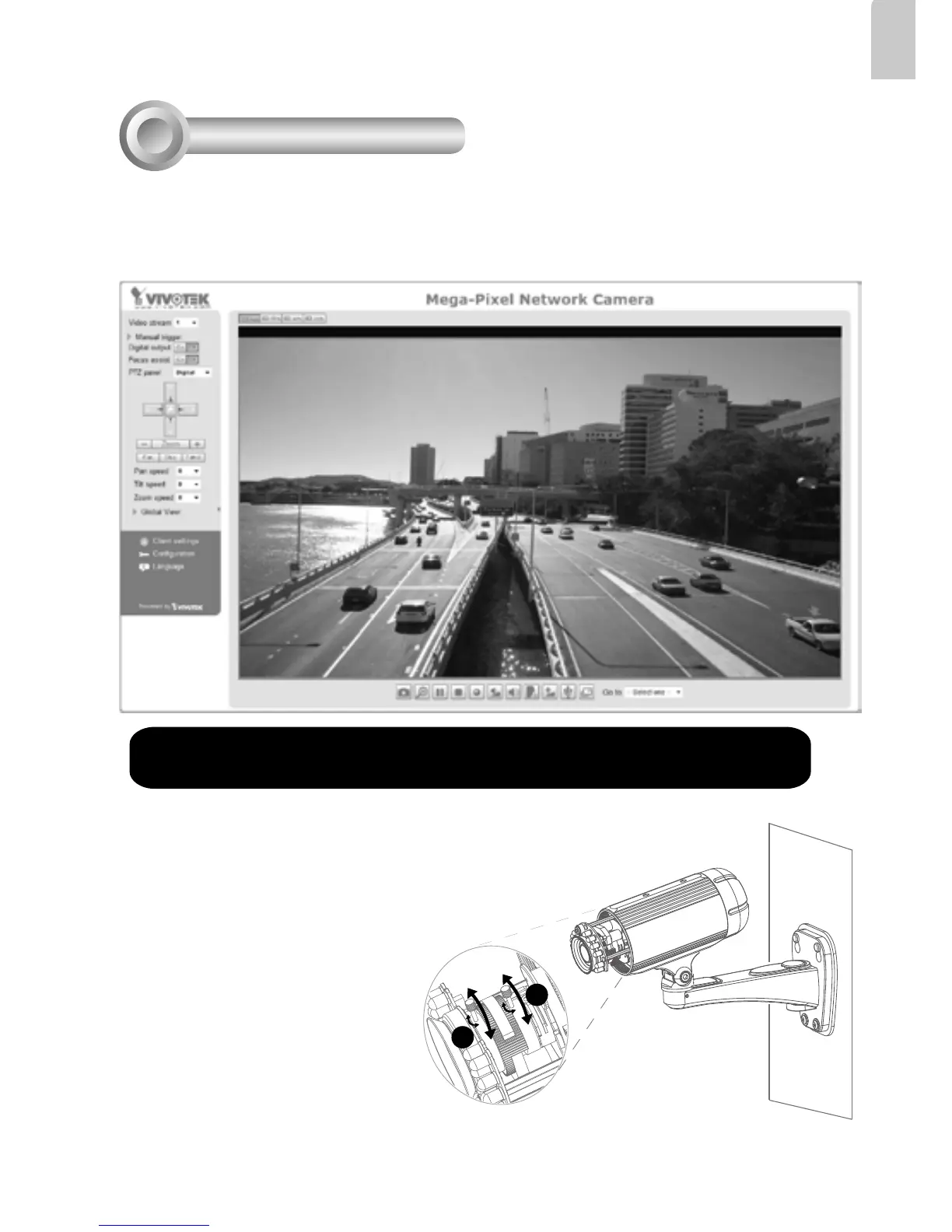
3. Unscrew the zoom controller to adjust the
zoom factor. Upon completion, tighten the
zoom controller.
4. Unscrew the focus controller to adjust the
focus range. Upon completion, tighten the
focus controller.
3
4
1. A browser session with the Network Camera should prompt as shown below.
2. You should be able to see live video from your camera. You may also install the
32-channel recording software from the software CD in a deployment consisting of
multiple cameras. For its installation details, please refer to its related documents.



 To Next Page