VIVOTEK
50 - User's Manual
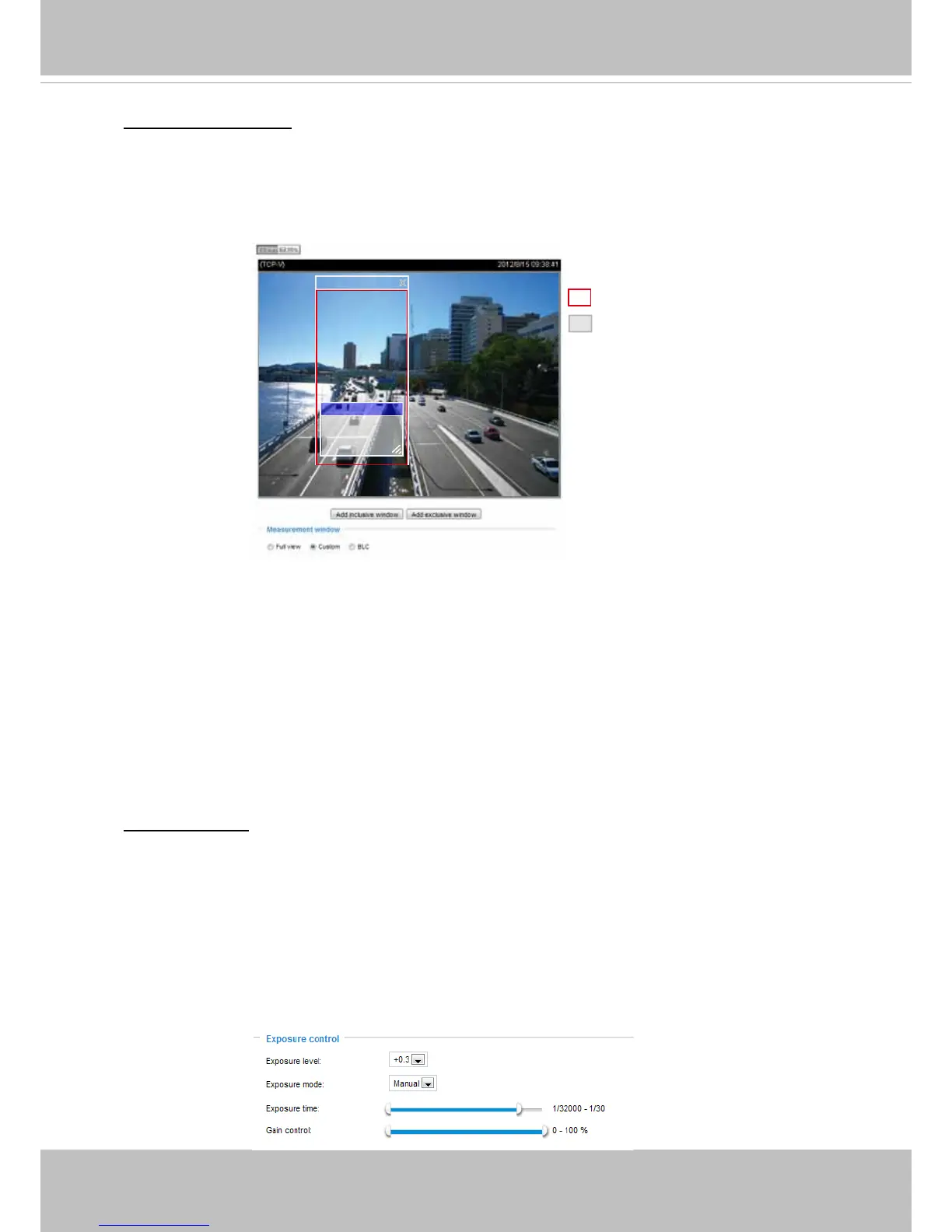
Measurement Window: This function allows user to set measurement window(s) for low light
compesation.
■ Full view: Calculate the full range of view and offer appropriate
light compesation.
■ Custom: This option allows you to manually add customized windows as inclusive or exclusive
regions. A total of 10 windows can be set. The inclusive window refers to “weighted window“; the
exclusive window refers to “ignored window“. It adopts the weighted averages method to calculate
the value.
■ BLC: When selected, a BLC window will appear on screen meaning that the center of the scene
will be taken as a weighed area. This option enables light compensation for images that are too
dark or too bright to recognize; for example, for the dark side of objects that is posed against
bright sunlight.
Exposure control:
■
Exposure level: You can manually set the Exposure level, which ranges from -2.0 to +2.0 (dark
to bright). You can click and drag the semi-circular pointers on the Exposure time and Gain
control slide bars to specify a range of shutter time and Gain control values within which the
camera can automatically tune to an optimal imaging result. You may prefer a shorter shutter
time to better capture moving objects, while a faster shutter reduces light and needs to be
compensated by electrical brightness gains.
■
Exposure mode: Select Auto or Manual mode according to your needs.
Manual: Select Manual to set a xed exposure time and gain. Then, tune the slide bar to set the
Exposure time and Gain Control to the best image quality. A shorter exposure time allows less
amount of light to enter the sensor; while a higher gain control value generates certain amount of
noises.
X
Include
Weighted region
Ignored region
Exclude x
A total of 9 inclusive and exclusive windows can be created for a view. You can create Exclude
windows for the camera to ignore the lighting condition of certain areas.
Note that the title pane of the Include/Exclude windows is not included into the calculation. The
inclusive and exclusive windows can be placed one on top of another. The inclusive windows have a
higher priority. You can overlap these windows, and, if you place an exclusive window within a larger
inclusive window, the exclusive part of the overlapped windows will be deducted from the inclusive
window.



 To Next Page