- 15 -
www.vivotek.com
Primary user’s capability
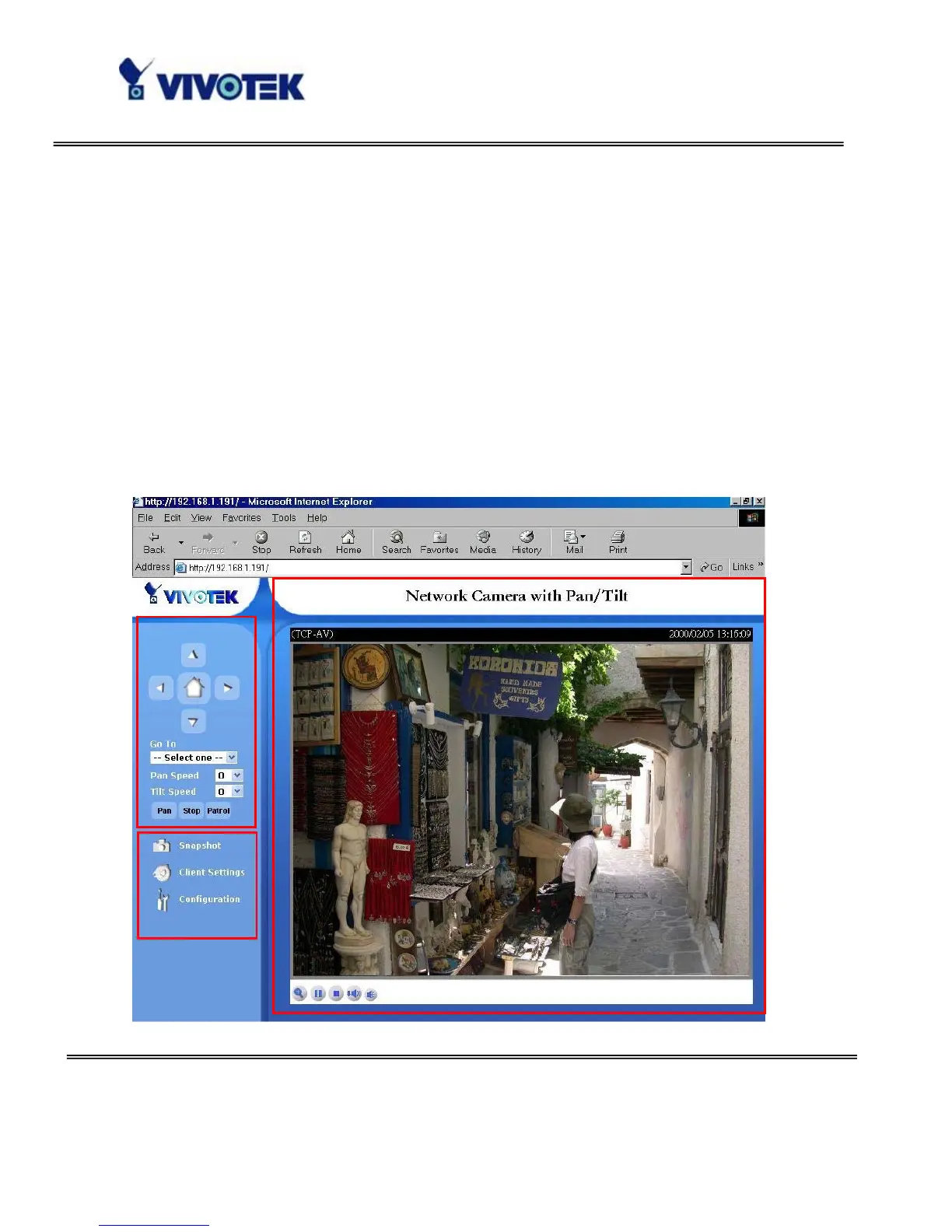
Main Screen with Camera View
The main page layout has three parts:
Configuration functions: The camera can be configured using these user interfaces.
Camera View: What the camera sees.
Pan/Tilt control buttons: These buttons provide a command interface to control the
aim of the camera.
Click on the configuration link to the left of the image window to enter the configuration
page.



 To Next Page