- 19 -
www.vivotek.com
Client settings
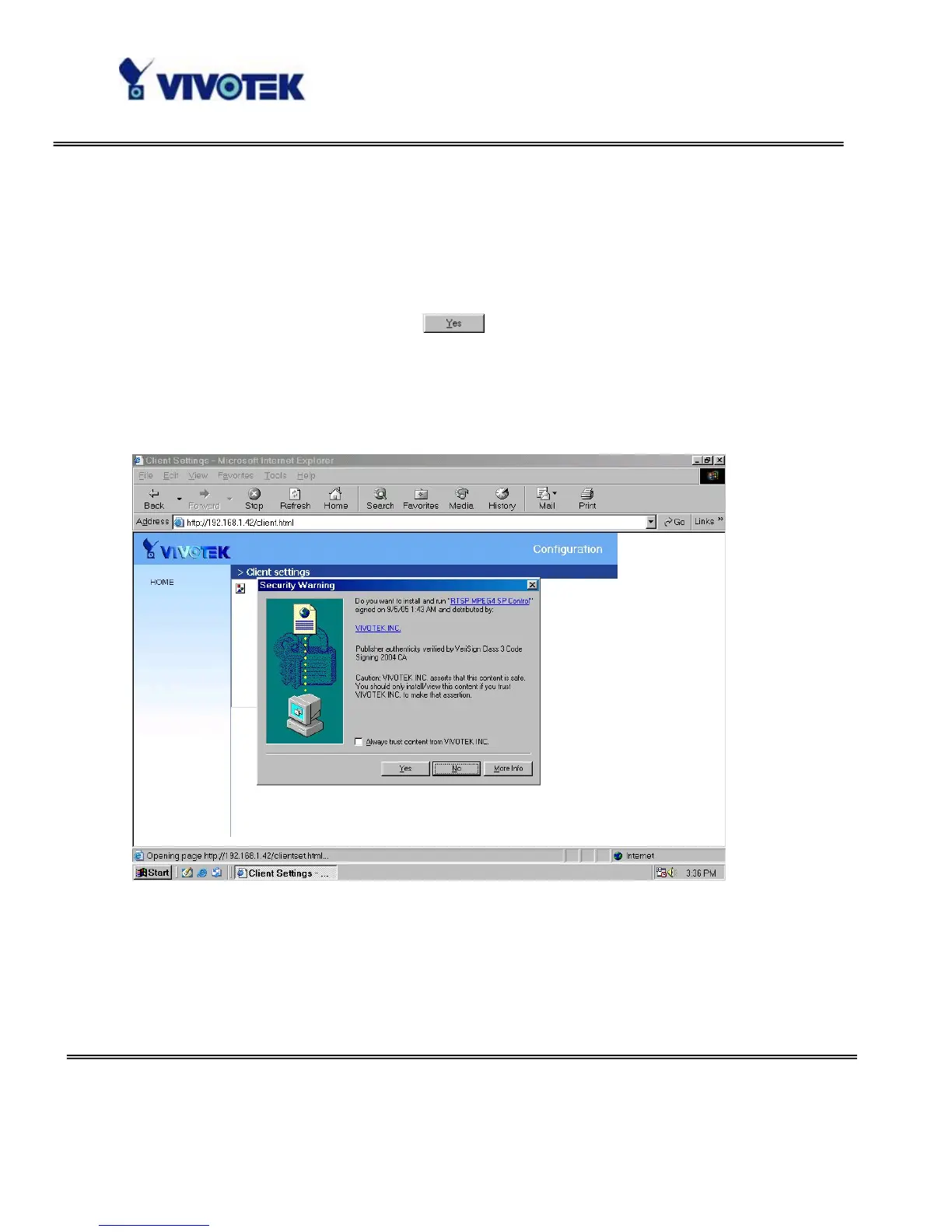
At the initial access to the “Connection type” page in Windows, the web browser will ask
for a new plug-in installation, the plug-in being the Network Camera. This plug-in has
been registered for certification and can be used to change the parameters at the
client’s site. The user may click on
to install the plug-in. If the web browser
does not allow the user to complete the installation, check the Internet security to
lower the security level or contact your IT or networking supervisor.
There are two settings for the client side. One is “Media Options” for users to
determine the type of media to be streaming. The other is “Protocol Options” which
allows choices on connection protocol between client and server. There are four
protocols choices to optimize your usage – Multicast, UDP, TCP and HTTP.



 To Next Page