- 17 -
www.vivotek.com
factor for specified area in the camera view. Users can also move the white frame to
select the area of the video that she/he wants to view.
“Disable digital zoom” The checkbox selection allows users to disable/enable the
digital zoom function.
“Zoom Factors” The range of zoom factor is from 100% to 400%, users can select
any integer factor inside this area.
“Hide” Click on this button can close the digital zoom control window.
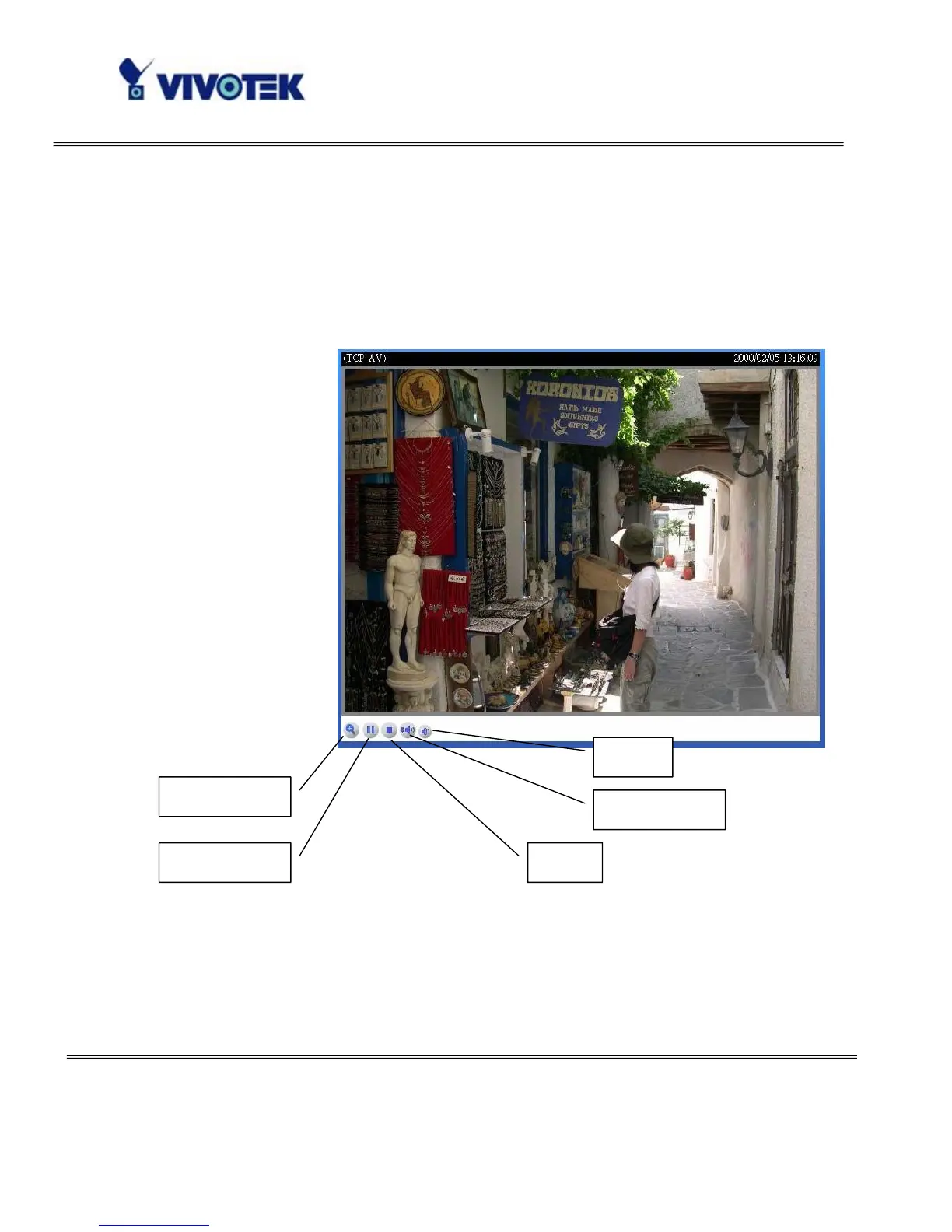
“Play” The option will connect to the Network Camera. The button is the same one as
“Pause”.
“Pause” The option will pause the video, but the connection remains. The button is the
same one as “Play”.
Play/Pause
Digital Zoom
Play volume
Mute
Stop



 To Next Page