Camera Placement
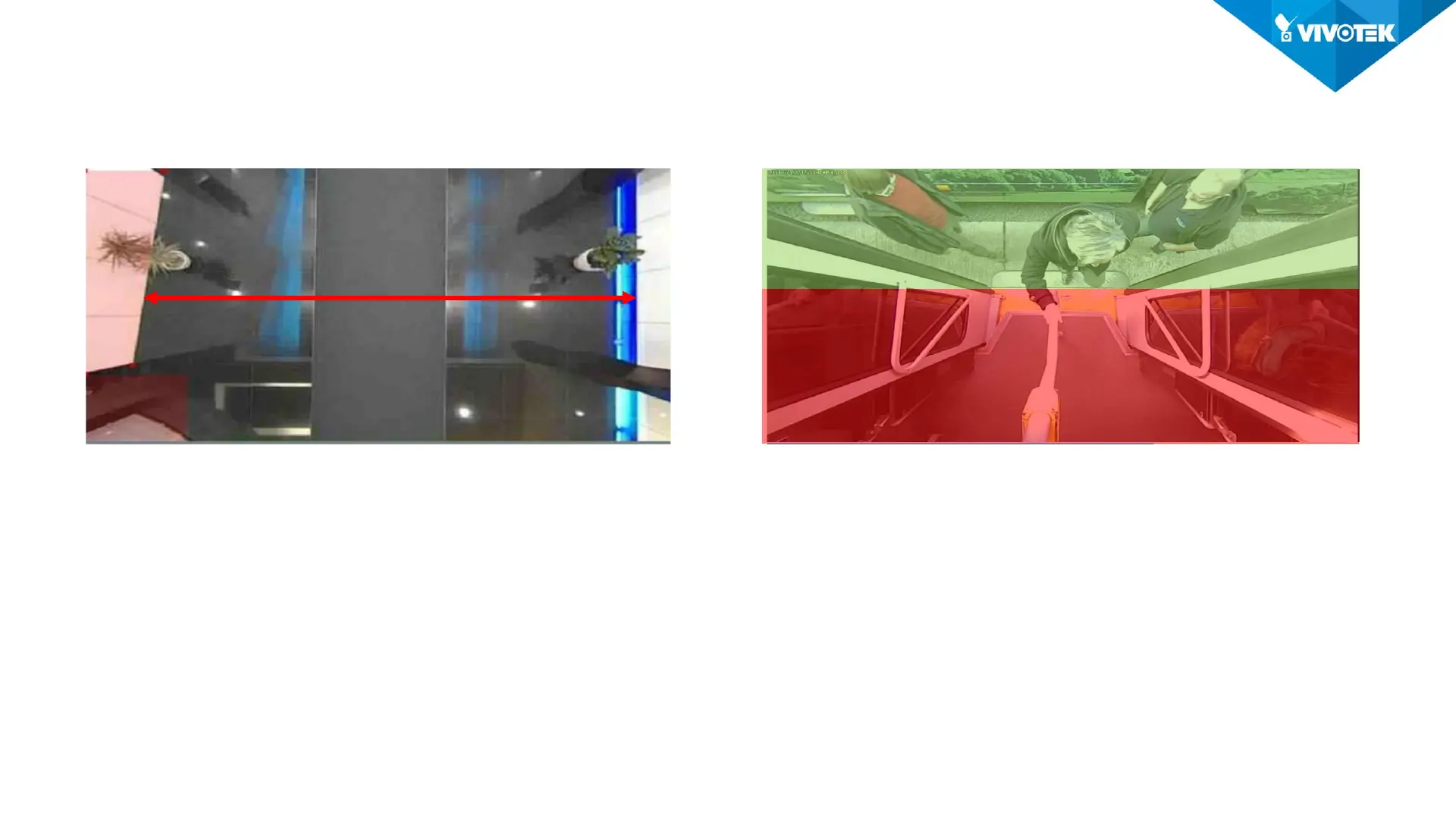
• Hallway • Door avoid swing area
Feature:
Open area without obstacle on the route.
Installation:
Camera “Face down” and make sure the
counting area can cover the width of the
hallway.
Feature:
Door or other obstacle may block the line of
sight between camera and incoming people.
Installation:
• Camera should “see“ 1/3 of it’s view
“outside” the door.
• Tilt if you can’t put the camera any closer to
the door.
Inside 2/3
Mind the Width
Outside 1/3













 To Next Page