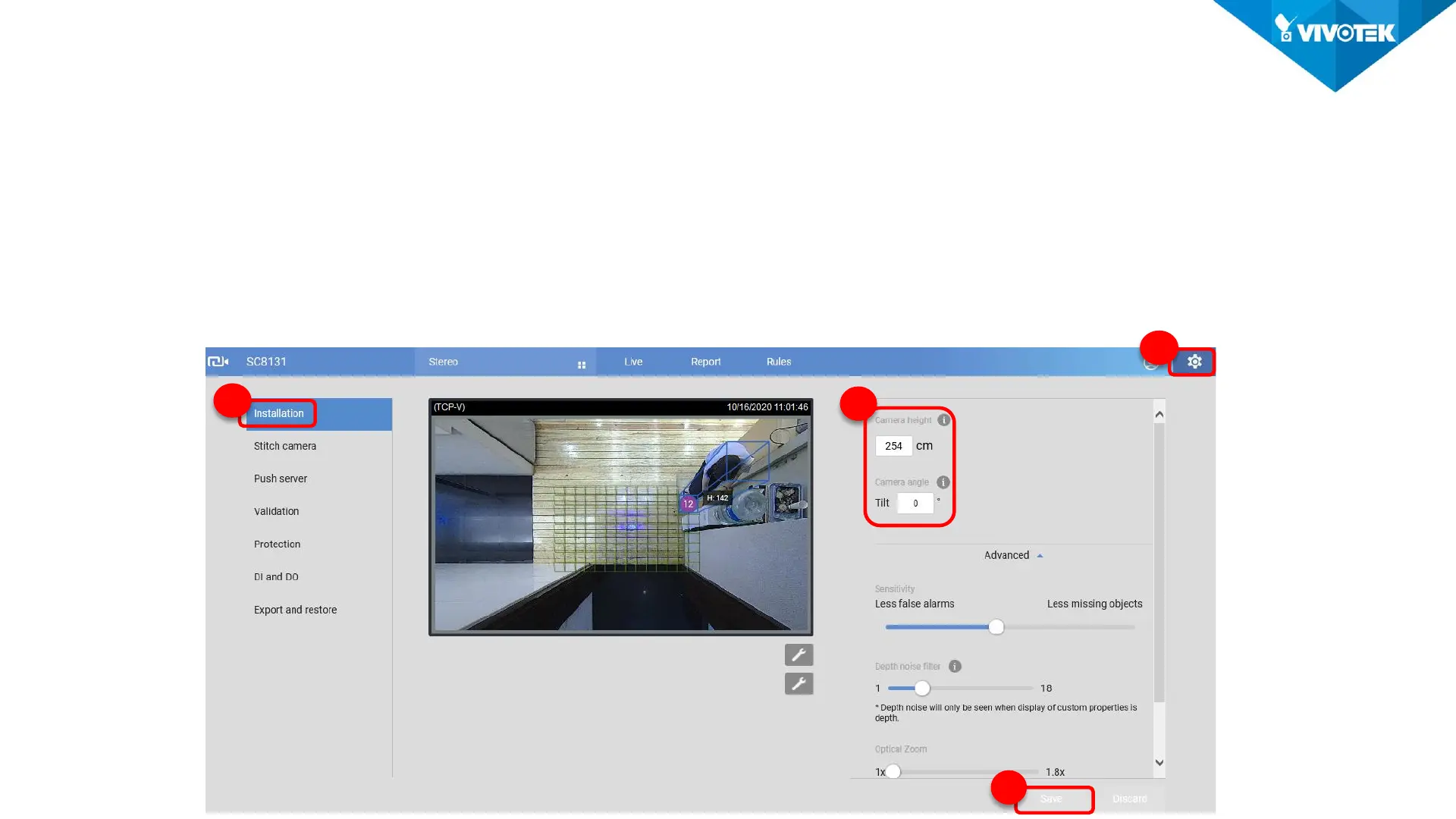
• Camera Settings
1. Installation Height: Set camera installation height manually.
2. Camera Tilt angle: In case you install the camera titled, you have to enter the right angle.
Recommended tilt angle below 20 degrees.
3. Check detection height: Check camera’s detection height with internal algorithm. This Calibration is
a reference for refining setting installation height.
1
3
Analytics Settings
2
4













 To Next Page