VIVOTEK
100 - User's Manual
PTZ > PTZ settings
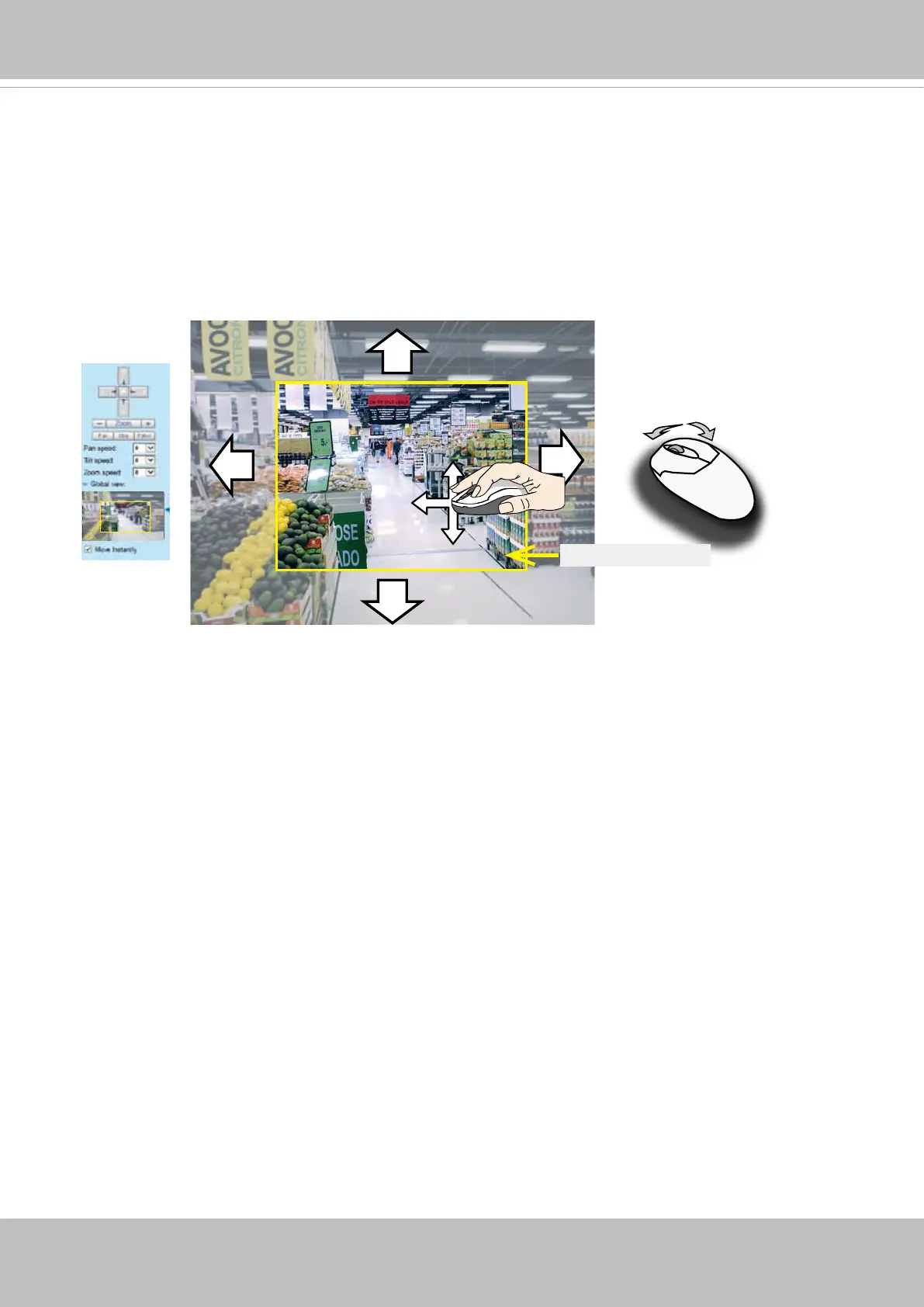
This section explains how to control the Network Camera’s Pan/Tilt/Zoom operation.
The E-PTZ function allows users to quickly move the focus to a target area for close-up viewing
without physically zooming the camera. The E-PTZ view takes effect when the current eld of
view is not showing the full of the camera's complete eld of view. Users can then move the
view in different directions or zoom in or zoom out on the screen.
Full FOV
Zoom In
Zoom Out
Current active view


 To Next Page