VIVOTEK
User's Manual - 13
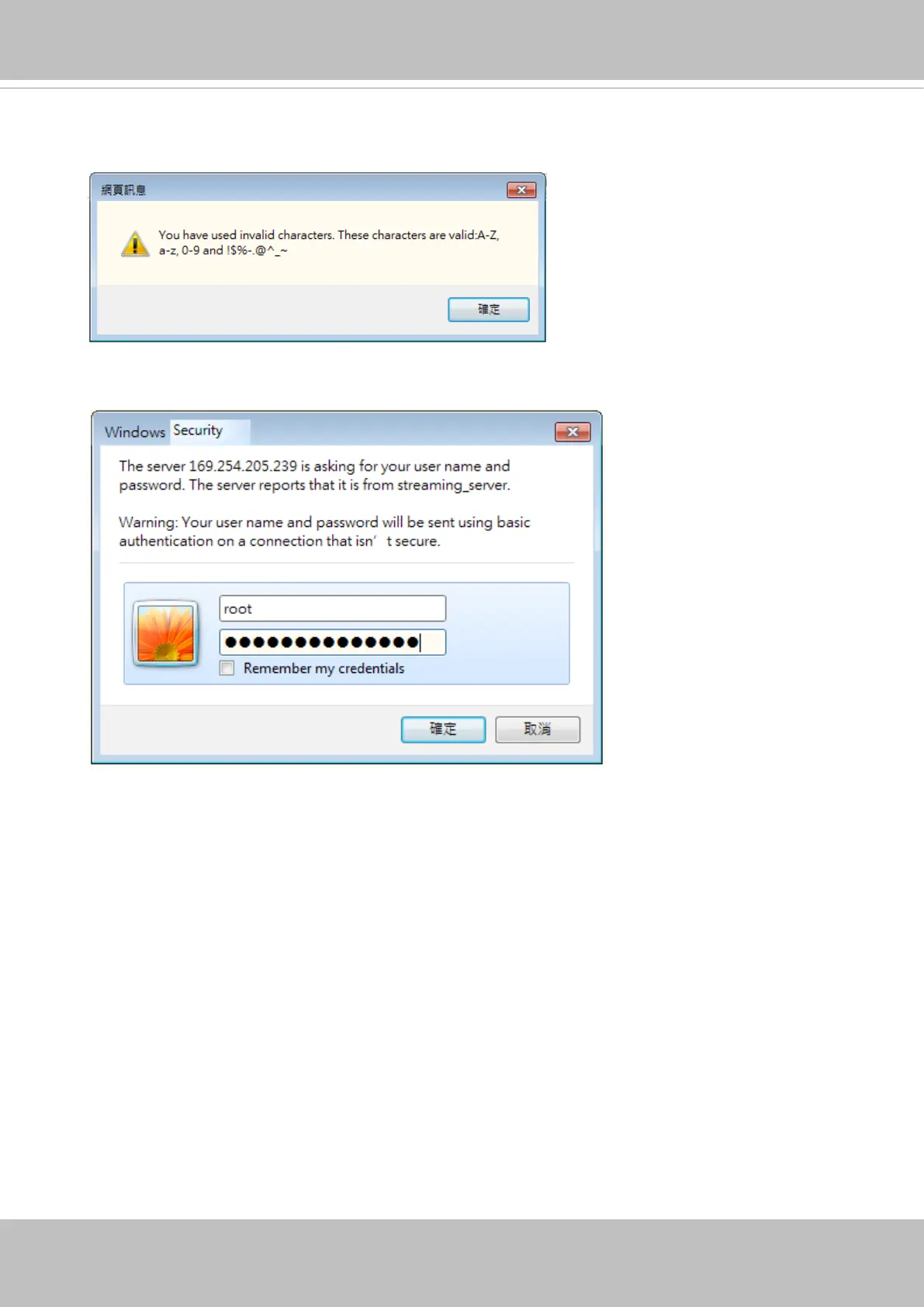
Some, but not all special ASCII characters are supported: !, $, %, -, ., @, ^, _, and ~.
You can use them in the password combination.
Another prompt will request for the password you just congured. Enter the password and
then you can start congure your camera and see the live view.



 To Next Page