1 2
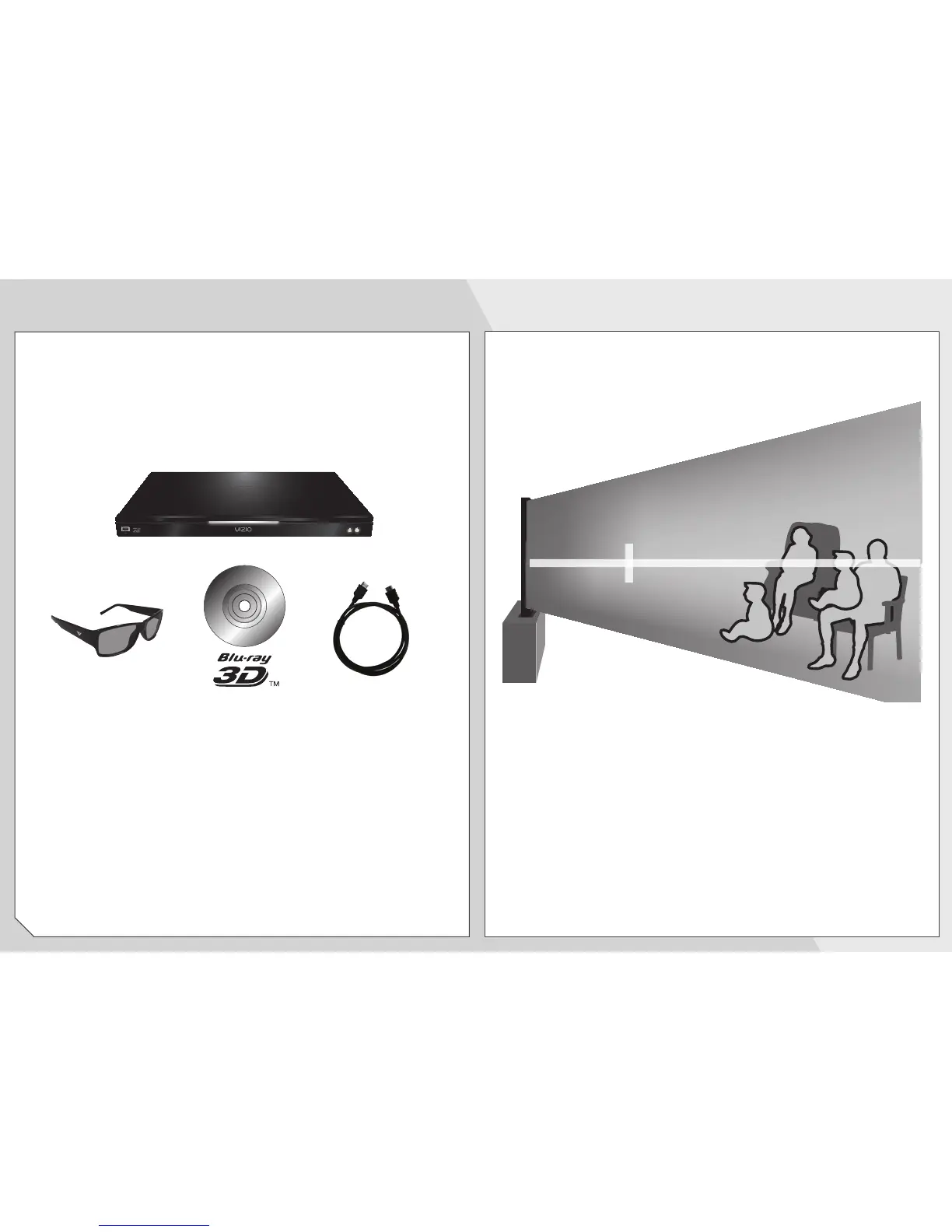
You will need:
• 3D Blu-ray™ player*
• Blu-ray 3D™ disc*
• VIZIO Theater 3D Glasses
• 3D-ready HDMI cable connecting the
3D Blu-ray player to your 3D HDTV*
For the best 3D experience:
• Try to view the TV straight-on, as shown
above. Do not view the TV at an extreme
angle, as some of the 3D effect will be lost.
• Sit at least 8 feet from the TV.
HOW TO VIEW 3D


 To Next Page
 Loading...