7 8
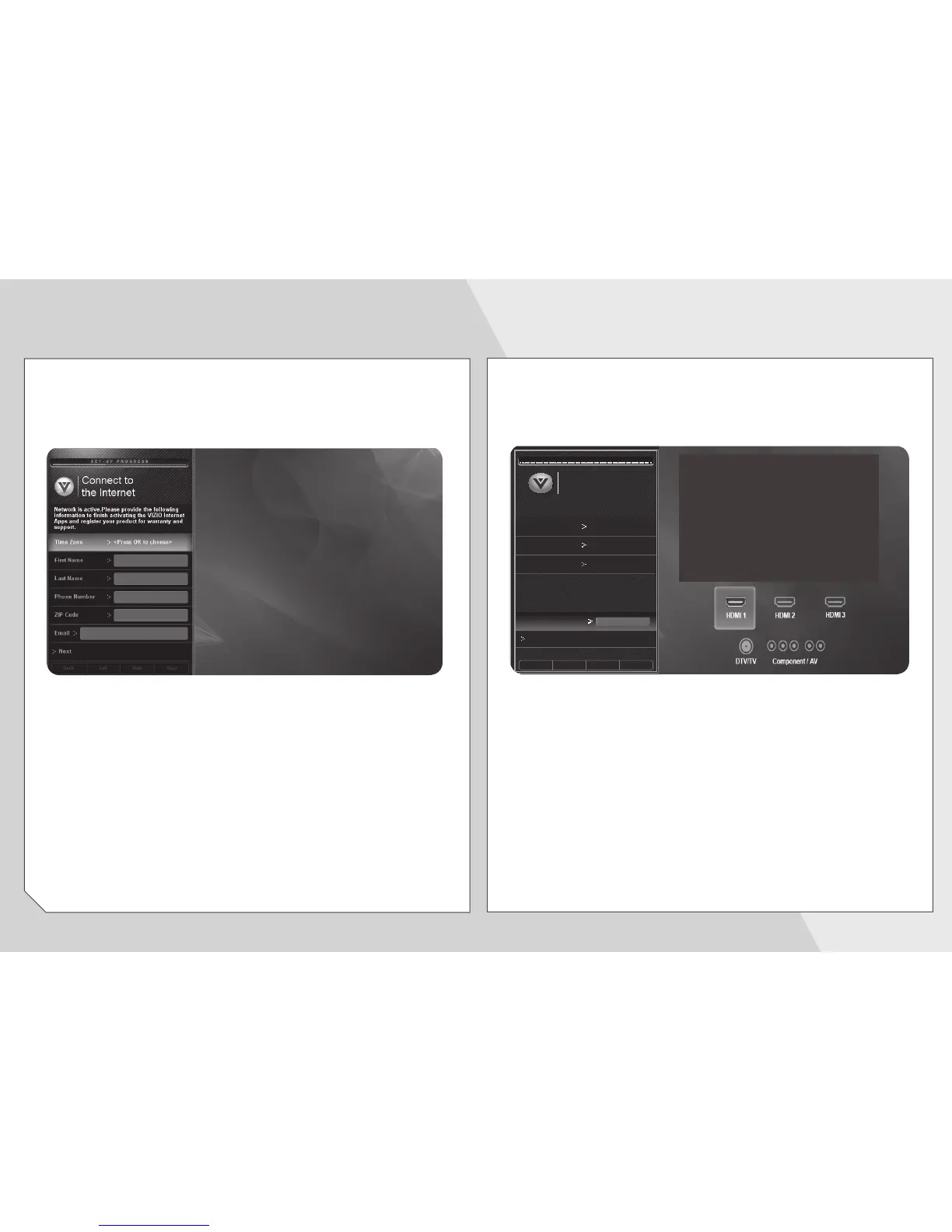
Enter your First Name, Last Name, Phone Number,
ZIP Code, and E-mail Address using the on-screen
keyboard.
Highlight Next and press OK.
Answer the on-screen questions about your TV
connection using the Arrow and OK buttons on the
remote.
When you have finished the channel scan, highlight
Exit to Live TV and press OK.
The First-Time Setup is complete.
S E T - U P P R O G R E S S
Set Up Your
TV Signal
Back SkipExit
Choose signal Cable
Help
How are you receiving your TV service?
Select cable
device
Through a cable box
Select Input
HDMI-1
Please check your connections if you do not
see video or hear audio from the device.
Save
Name this Input
Cable_


 To Next Page
 Loading...