GETTING STARTED WITH VIZIO INTERNET APPS PLUS
®
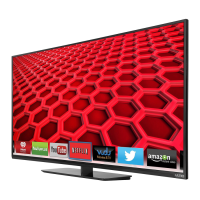
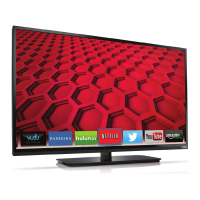
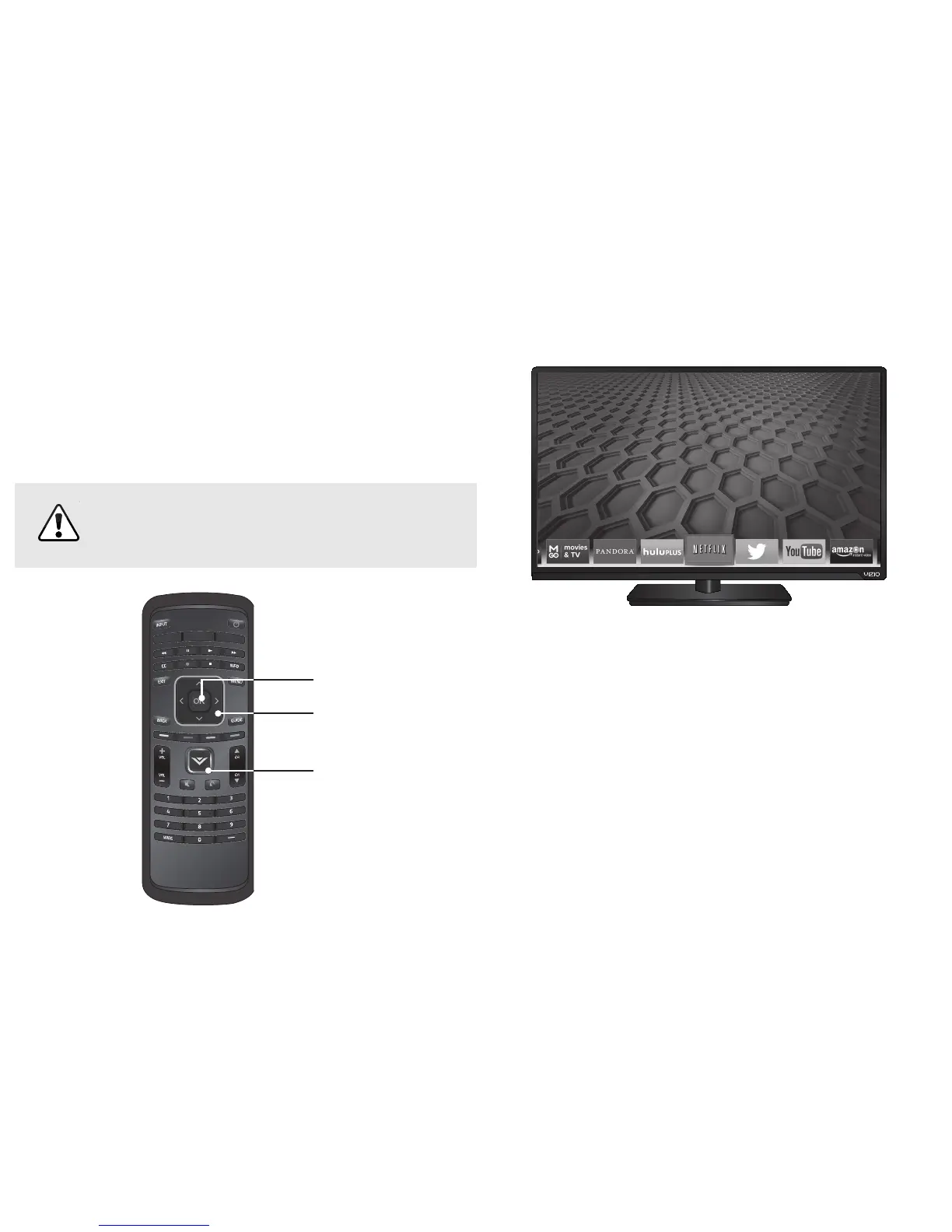
Press the V Button to display the V.I.A. Plus App Dock
Press the V Button twice to launch the fullscreen V.I.A. Plus Apps window.
Press the OK button to launch an App.
Press the Left/Right Arrow buttons to scroll though the Apps on the dock.
(The highlighted App is in the center of the dock.)
VIZIO Internet Apps Plus
®
(V.I.A. Plus) delivers popular
online content to your TV. V.I.A. Plus features a selection of
Apps that allow you to watch movies and TV shows, listen
to music, get weather and news information, and more–all
on demand.
A high-speed Internet connection is required to
receive product updates and to access online
content.


 To Next Page
 Loading...