3
44
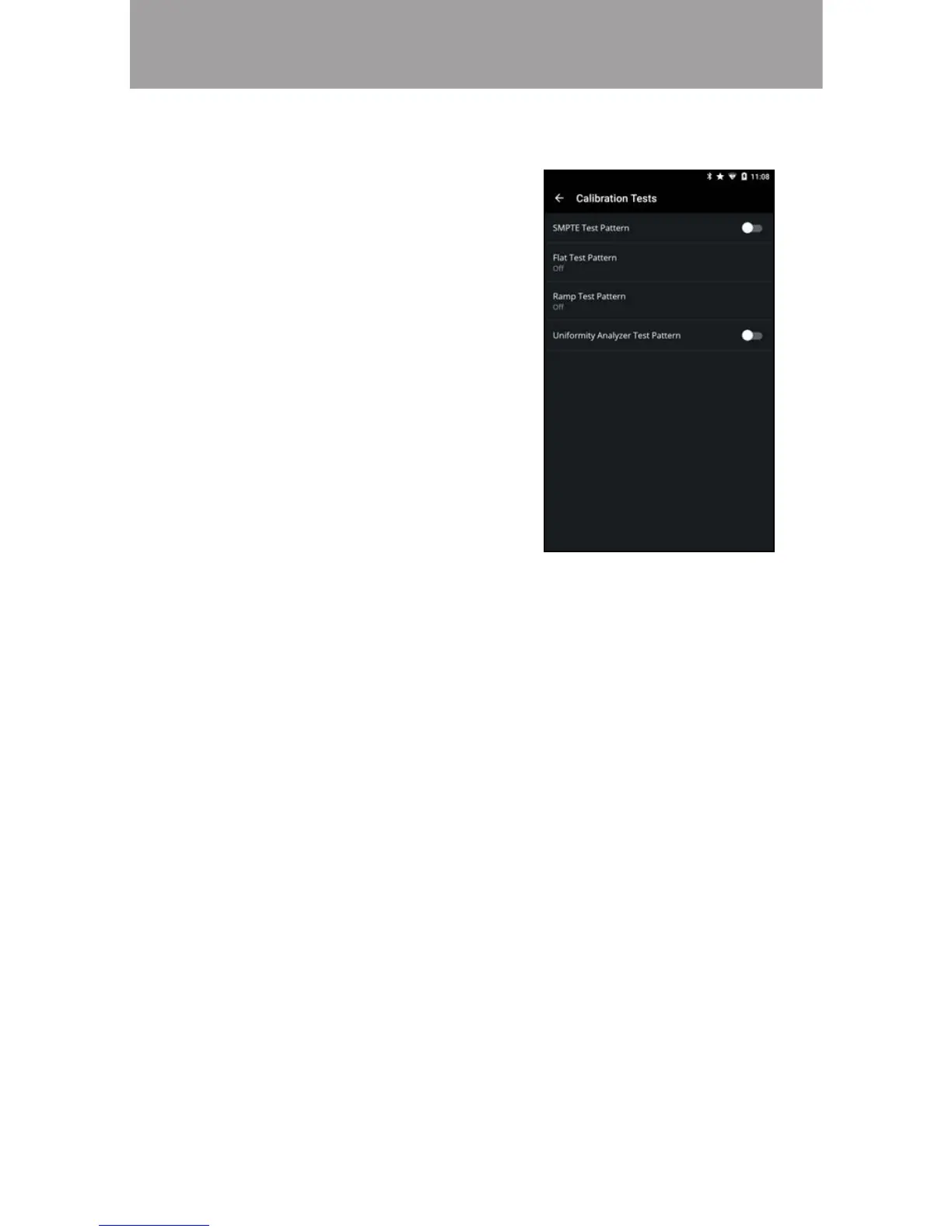
Enabling/Disabling Calibration Tests
To enable/disable calibration tests:
1. From the Color Calibration
menu, tap Calibration Tests.
The Calibration Tests menu is
displayed.
2. Select the test pattern you
wish to enable. Adjust settings
with switches by swiping left to
disable and right to enable.


 To Next Page