3
58
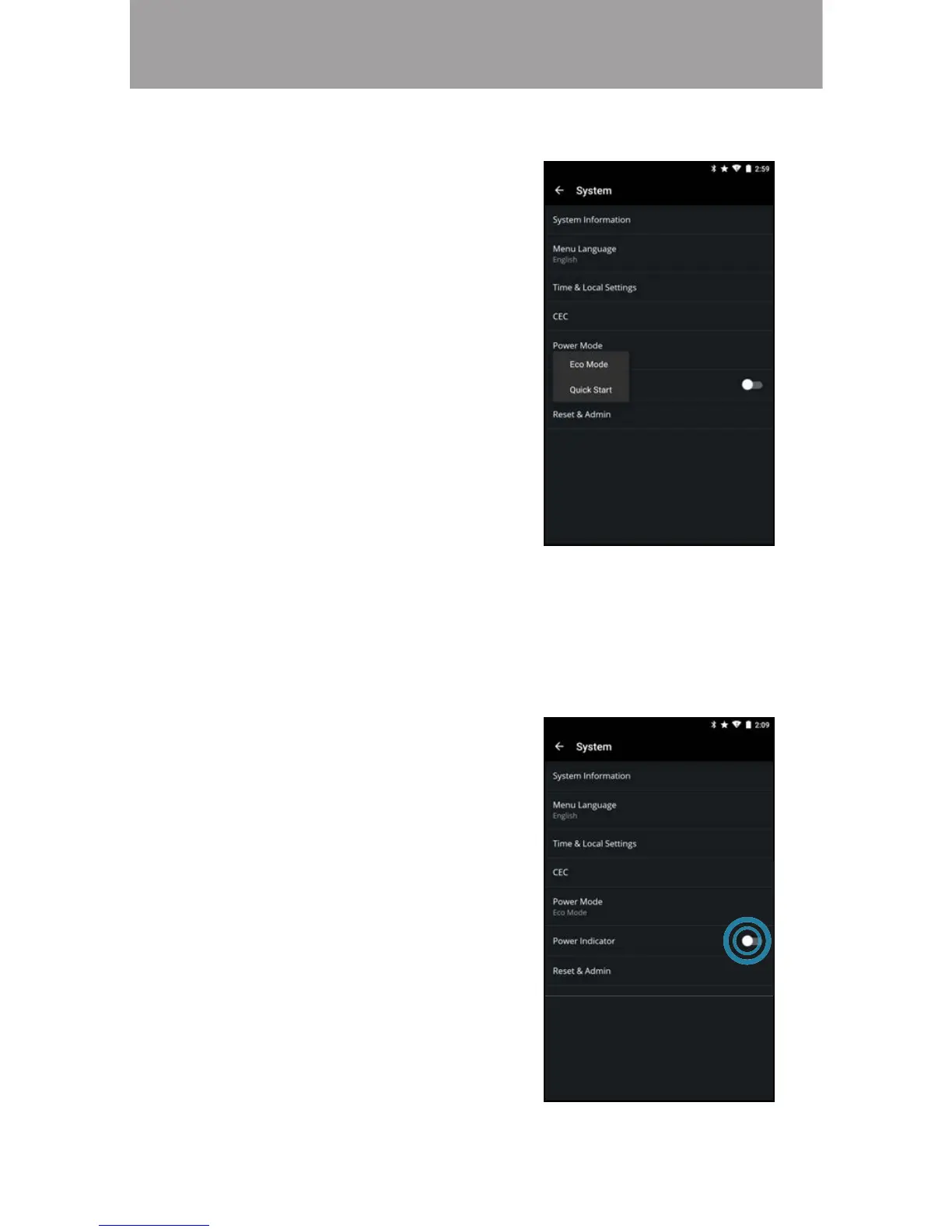
• From the System menu, tap
Power Mode.
• Eco Mode - when the display is
powered o, it uses less than .5
of power.
• Quick Start - quickly powers on
your display. When the display is
powered o, it uses less than 5
of power.
To select a Power Mode setting:
Choosing a Power Mode Setting
• From the System menu, swipe
the Power Indicator switch to the
right to turn the power indicator
on. Swipe the switch left to turn
the power indicator o.
To turn the power indicator light on or o:
urning the oer Indicator On or O
The power indicator on the front of your display normally does not glow when
the display is on. You can change this setting if you prefer the indicator to be on.


 To Next Page
 Loading...