3
21
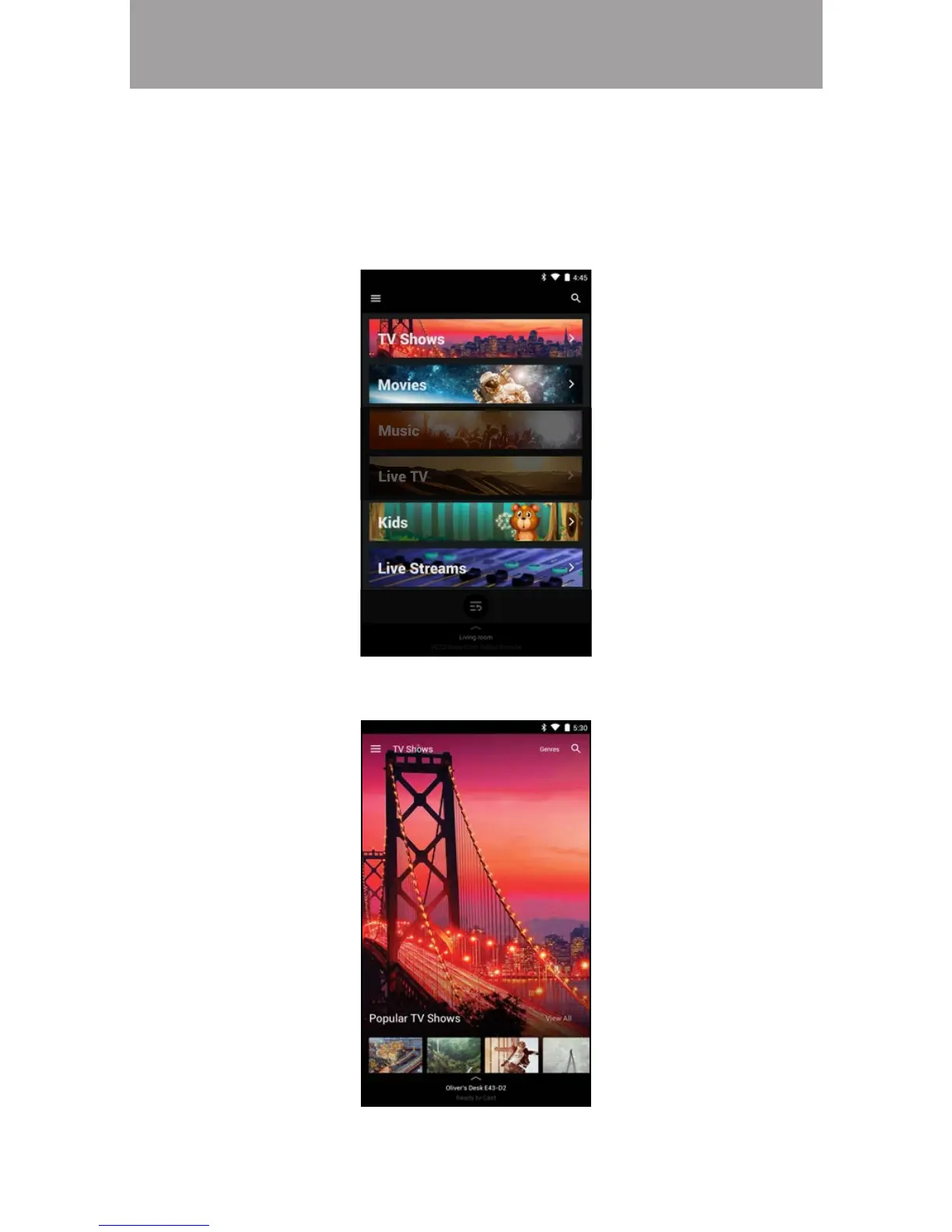
Note: The images shown here are for illustrative purposes only and may be subject to change. The actual on-screen image and text may vary, depending on the model.
WATCHLISTS
hile you are browsing for content, you can add titles to a watchlist (My atchlist)
where you can easily access them whenever you want. You can also set alerts to
notify you when new episodes are available to watch.
To add content to a watchlist:
1. From the Home page, tap on TV Shows, Movies, Kids, or Live Streams.
2. Tap on the title you want to add to your watchlist.


 To Next Page
 Loading...