6
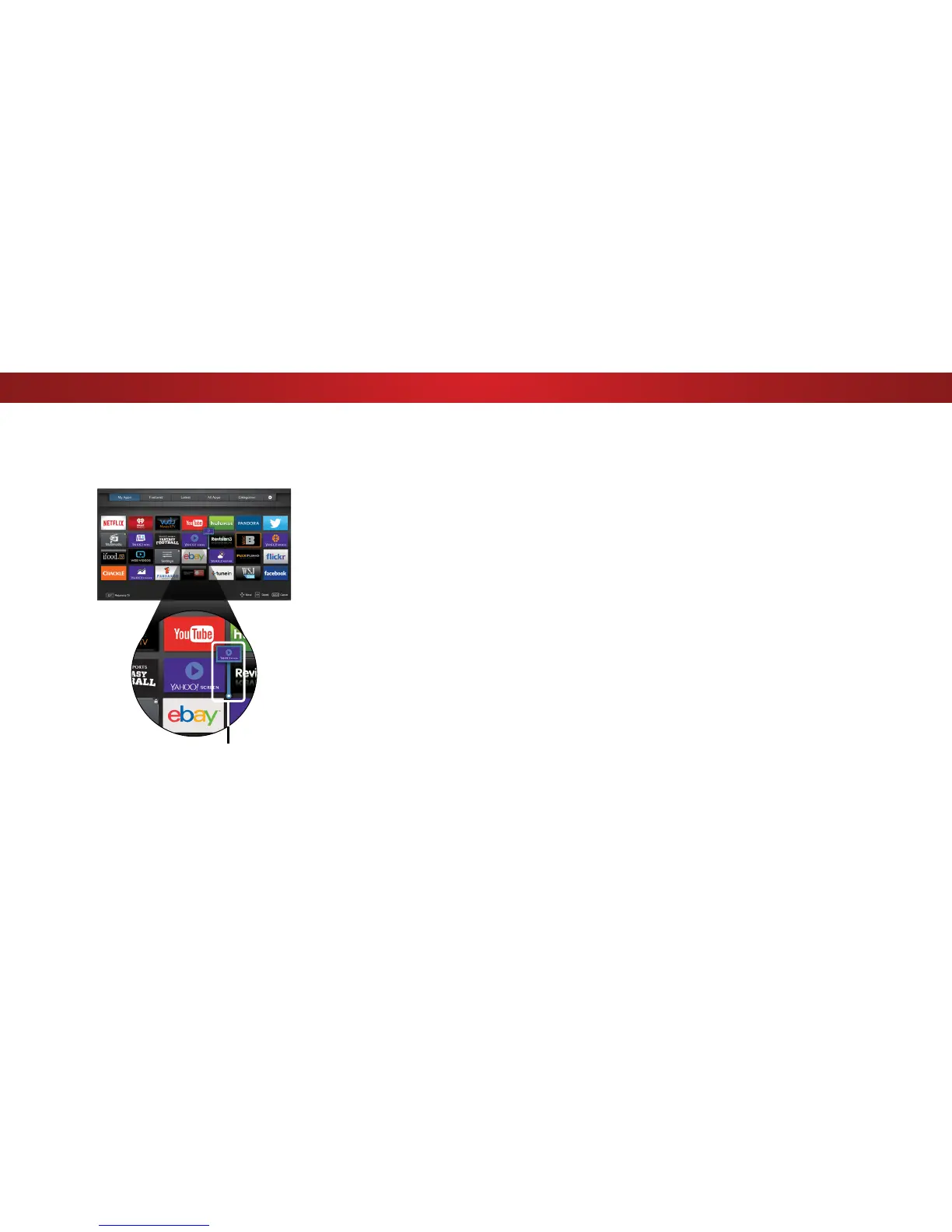
3. Use the Arrow buttons to move the app to the desired
location and press OK to place the app.When you can
move the app, it appears as shown below.
Note: App location, appearance, and availability subject to change without notice.
Cursor showing the location that
the app will move to
57



 To Next Page