VIZIO VW32L HDTV30A User Manual
Version 4/2/2008 9
www.VIZIO.com
Chapter 1
Chapter 1Chapter 1
Chapter 1 Basic Controls and Connections
Basic Controls and Connections Basic Controls and Connections
Basic Controls and Connections
1.1
1.11.1
1.1 Front Panel
Front PanelFront Panel
Front Panel
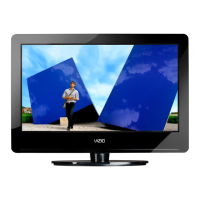
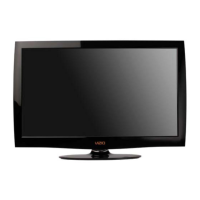
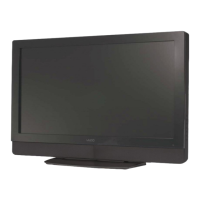
Power ‘VIZIO’ light – The VIZIO name lights white when
powered on and orange when powered off.
Remote Control Sensor – This is the window through which
all of the remote control signals pass to the sensor. Point the
remote control directly at this window for the best response to
the remote signal.
1.2
1.21.2
1.2 Right Side Panel Controls
Right Side Panel ControlsRight Side Panel Controls
Right Side Panel Controls
Power ( ) – Switch the VW32L HDTV30A on by pressing the button once. Press the button again to
the VW32L HDTV30A off.
Menu – This button activates the On Screen Display (OSD).
If a sub-menu is active, pressing this button will return to the
previous menu level.
Channel +/- – Use these buttons to step up or down the TV
channels. While the OSD is active, these buttons function as
up and down controls in the OSD menus.
Volume +/- – Use these buttons to increase or decrease to
the speaker volume. While the OSD is active, these buttons
function as left and right controls in the OSD menus.
Input – Repeated pressing of this buttons steps through the
input sources in the
following sequence: TV, AV
(S-VIDEO), Component 1,
Component 2, RGB, HDMI1
and HDMI2. Once you have
stepped through the entire
sequence, you will return to
the beginning.


 To Next Page
 Loading...