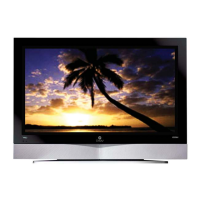
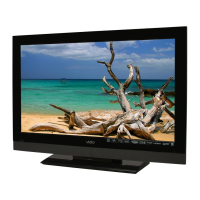
VIZIO L42 HDTV User Manual
Version 6/26/2006 56
www.VIZIOCE.com
4.14.5 Setting the Sleep Timer
The Sleep Timer lets you set a time delay to turn off the LCD HDTV automatically.
To set the Sleep Timer using the remote control:
1. Press the SLEEP button on the remote control. The Sleep Timer appears in the center of
you screen.
2. Press the SLEEP button one or more times to select the time you want. The choices are 30,
60, 90 or 120 minutes.
To turn off the sleep time using the remote control, press the SLEEP button repeatedly until Off appears
on the screen.


 To Next Page