4
30
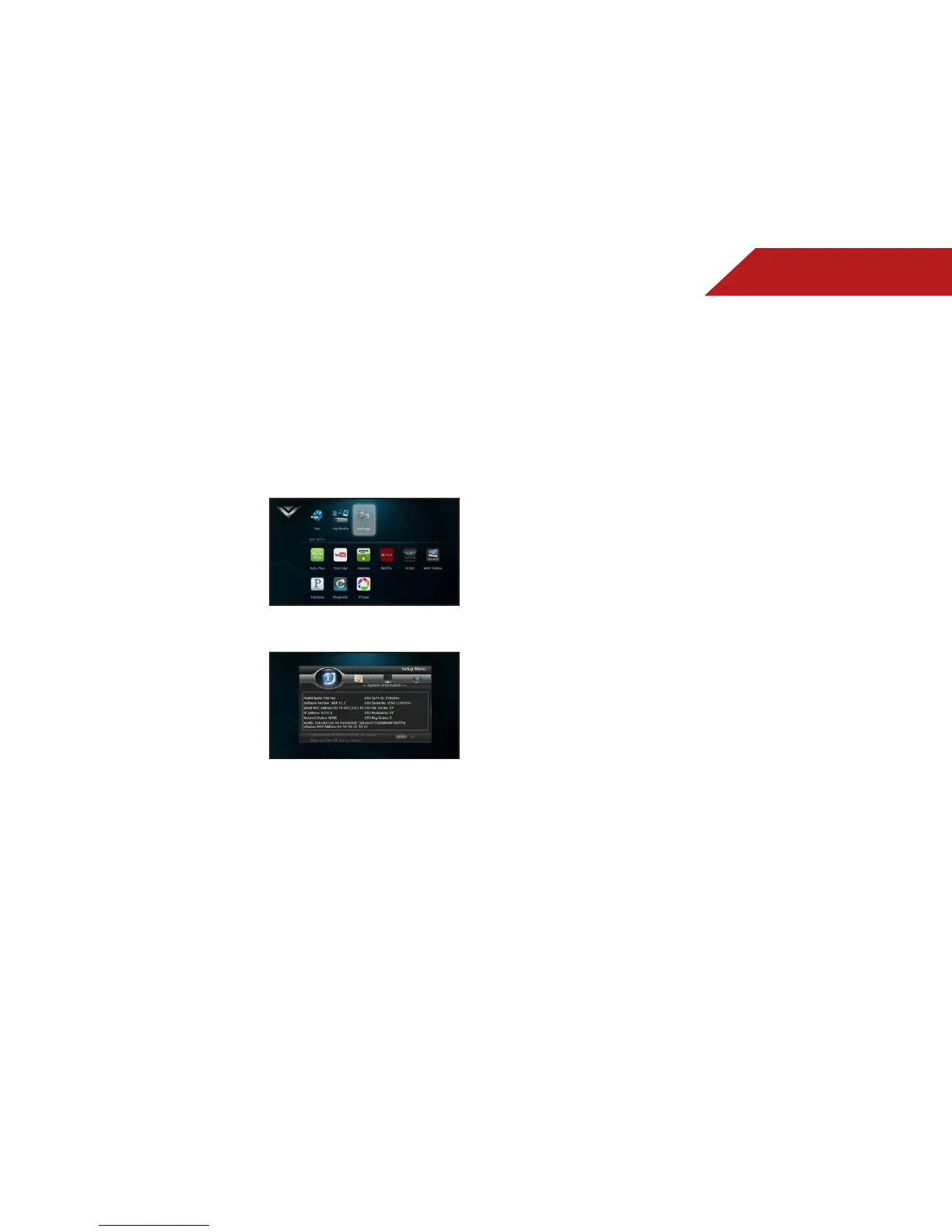
VIEWING THE INFO SCREEN
The info screen displays the following information:
• Software Version
• Interface
• MAC Address
• IP Address
To access the info screen:
1. Turn on the player and your TV.
Use the Arrow buttons on the
remote to highlight Settings
and press OK.
The Settings menu is displayed.
2. Use the Arrow buttons on the
remote to highlight System
Information and press OK.
The info screen is displayed.



 To Next Page