1
6
SETTING UP YOUR NETWORK CONNECTION
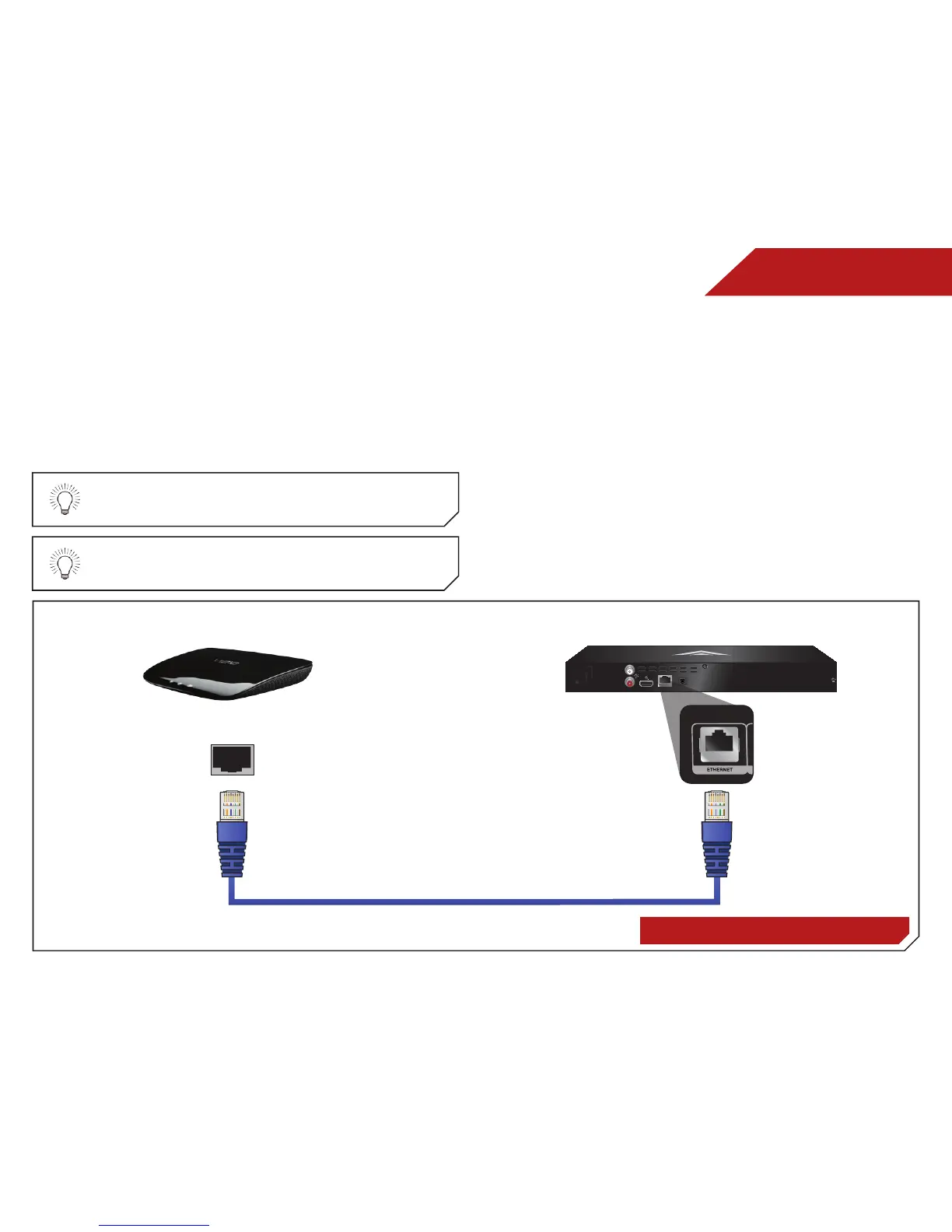
Your player is network-ready, and can be connected to your
home network using the RJ45 (ethernet) connector on the back
panel.
Once you have connected to your home network and the
Internet, you can use Internet Apps to deliver popular online
content to your player.
For the most reliable network performance, a wired
connection is recommended.
Ethernet cables are available from many retailers in
lengths of up to 50 feet.
To connect to a wired network:
1. Ensure you have:
• An ethernet cable long enough to connect the player to
your router or modem
• A router or modem with an available ethernet port
• A high-speed Internet connection
2. Connect your ethernet cable to the router and to the
ethernet port on the back of the TV.
3. Turn on the player and your TV. Use the Left/Right Arrow
buttons to highlight Settings and press OK. Then highlight
Network and press OK. Then highlight Connection Type,
press OK and select Ethernet.
Router / Modem VIZIO Blu-ray Player
Ethernet Cable
Setting Up Your Network Connection



 To Next Page