6
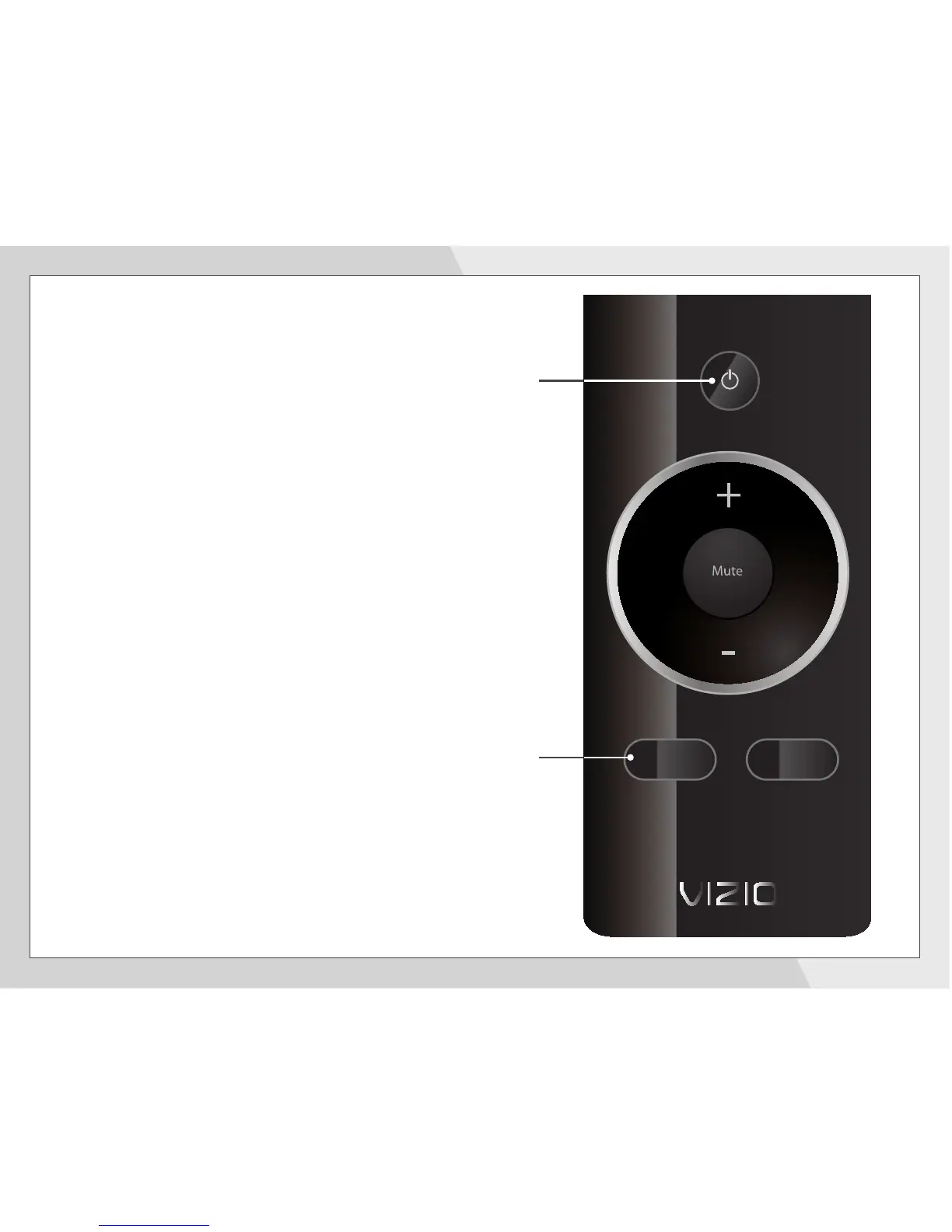
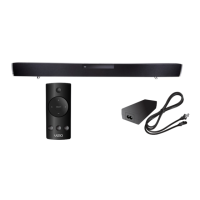
Turn your TV on, then press the Power button on
the remote to turn the Sound Bar on.
Press the Input button to switch between audio
sources. For example, if you connected your TV to
Input 1, set the Sound Bar to Input 1.
Setup is complete.
Input
Power
Input
Sub -
Sub +
SRS


 To Next Page