EasyManua.ls Logo

VocoPro UHF-3200 - User Manual

VocoPro UHF-3200
15 pages
Print Icon
To Next Page IconTo Next Page
Loading...
o w n e r ' s m a n u a l
THE SINGER'S ULTIMATE CHOICE
TM
R
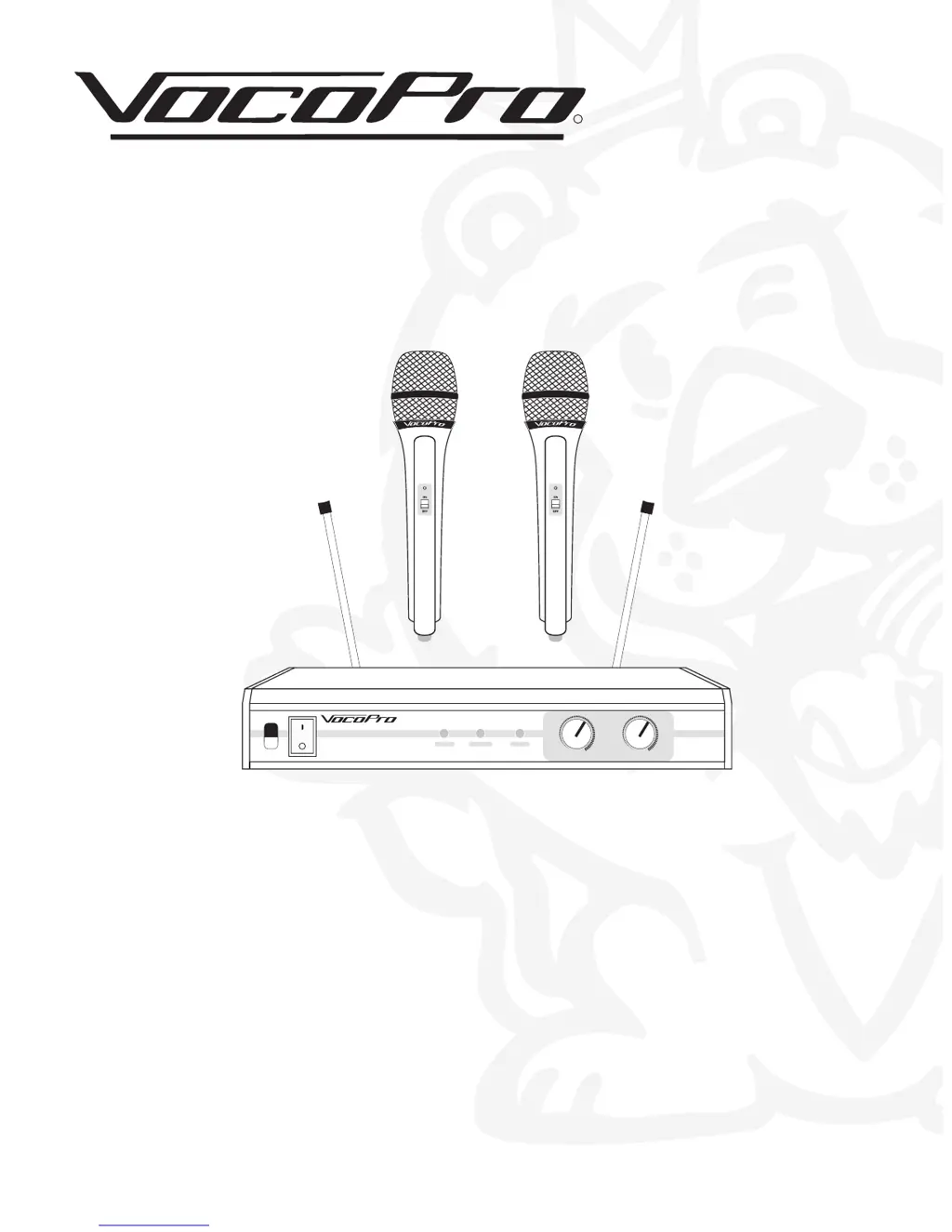
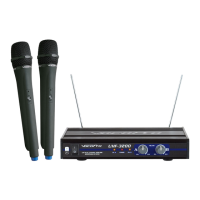
UHF-3200
UHF DUAL CHANNEL WIRELESS
MICROPHONE SYSTEM
UHF-3200
CH. A CH. B
MIN MAX MIN MAX
VOLUME
POWER
A B
ON
OFF
UHF-DUAL CHANNEL WIRELESS MICROPHONE SYSTEM

Questions and Answers

  • K
    Karen EricksonJul 26, 2025
    Why does my VocoPro UHF-3200 battery die quickly after recharging?
    • J
      Julie LeeJul 26, 2025
      If the battery of your VocoPro Microphone system is running low even after recharging, replace the rechargeable batteries, as they have a limited life of about 500 charging and recharging cycles.
  • L
    Lucas SimonAug 1, 2025
    How to fix a VocoPro UHF-3200 with no sound and no lights?
    • P
      paul12Aug 1, 2025
      If your VocoPro Microphone system has no sound and the receiver RF lights and mics are not lit, ensure the power switches on both the transmitters and receiver are in the ON position. Check the microphone batteries and replace or charge them if necessary. Also, verify the receiver's AC power connection. Make sure the antennas are within the microphones' line of sight, and if needed, reduce the distance between the microphones and the receiver.
  • D
    Denise RoseAug 6, 2025
    Why is my VocoPro UHF-3200 Microphone system signal noisy?
    • A
      April PowellAug 6, 2025
      If the received signal from your VocoPro Microphone system is noisy or has interference while the transmitter is on, check the microphone batteries and charge or replace them if the power is low. Remove any local sources of RF interference, such as lighting equipment. If two transmitters are operating on the same or very close frequencies, turn one off or exchange it for one with a different frequency. If the signal is too weak, try repositioning the antenna closer to the transmitter.
  • M
    Mr. Joshua Aguirre PhDAug 13, 2025
    What to do if VocoPro Microphone system has no sound but RF lights are on?
    • J
      Jessica RangelAug 13, 2025
      If your VocoPro Microphone system receiver has no sound but the RF lights are glowing, first, turn up the receiver's VOLUME level controls. Then, check the connection between the receiver and the external amplifier/mixer to ensure it's properly connected. Speak into the microphone and watch the receiver's RF signal LEDs; if they glow, the problem lies elsewhere in your sound system.
  • T
    Timothy SmithAug 19, 2025
    How to eliminate noise from VocoPro Microphone system receiver when mics are off?
    • P
      Paul ButlerSep 12, 2025
      If you hear noise coming from the VocoPro Microphone system receiver when the mics are turned OFF, remove any local sources of RF interference, such as lighting equipment. You can also try repositioning the receiver or antennae.

Summary

Safety Instructions

General Operating Safety

Comprehensive list of safety rules for operation, handling, and environment.

FCC Information and Operation Precautions

Pre-Operation Safety Checklist

Critical instructions to read before operation to ensure performance and prevent hazards.

Specifications and Features

Getting Started

Receiver Placement Guide

Recommendations for optimal receiver setup to ensure clear signal reception.

Connecting the System

Power and Antenna Setup

Instructions for connecting the power adapter and attaching antennas correctly.

Panel and Control Descriptions

System Operations and Performance

Performing a System Walkthrough

Emphasizes testing the system before live performance for issues.

Basic Operational Steps

Step-by-step guide to power on, connect, and adjust the system for use.

Troubleshooting Common Issues

VocoPro UHF-3200 Specifications

General IconGeneral
BrandVocoPro
ModelUHF-3200
CategoryMicrophone system
LanguageEnglish

Related product manuals