EasyManua.ls Logo

VocoPro UHF-3205 - User Manual

VocoPro UHF-3205
16 pages
Print Icon
To Next Page IconTo Next Page
Loading...
o w n e r ' s m a n u a l
THE SINGER'S ULTIMATE CHOICE
TM
R
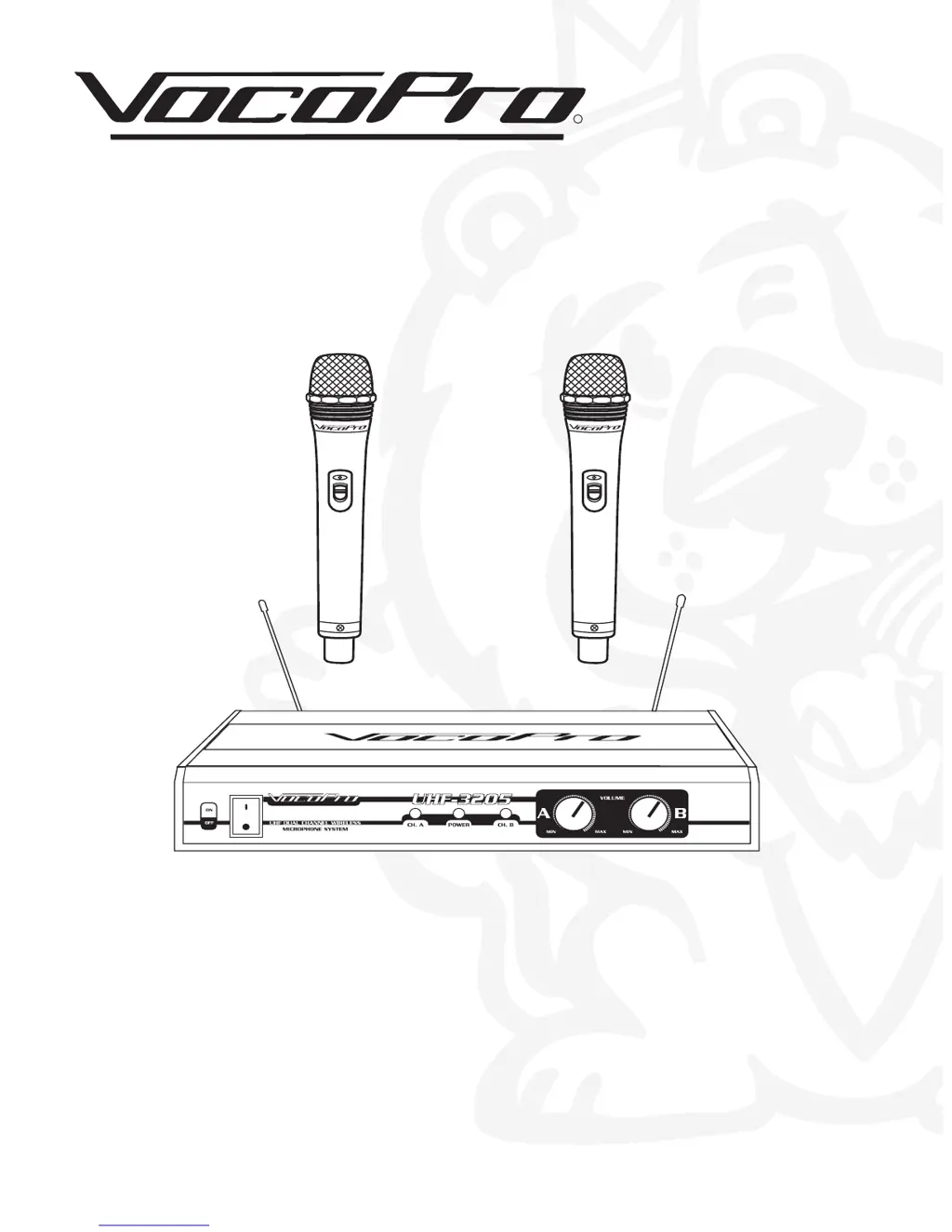
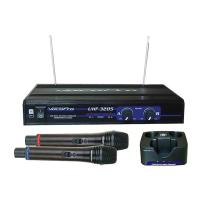
UHF-3205
Professional Rechargeable Dual-Channel UHF Wireless Microphone System

Questions and Answers

  • R
    Rita ParkJul 26, 2025
    Why does my VocoPro UHF-3205 battery drain quickly after recharging?
    • K
      knicholsonJul 26, 2025
      If your VocoPro Microphone system battery runs low quickly even after recharging, replace the rechargeable batteries. Note that rechargeable batteries typically have a lifespan of about 500 charging and recharging cycles.
  • A
    Aaron DuncanJul 31, 2025
    How to fix a VocoPro Microphone system with no sound and no RF lights?
    • M
      Mary AllenJul 31, 2025
      If your VocoPro Microphone system has no sound and the RF lights on both the receiver and microphones are off, ensure that the power switches on the transmitters and receiver are in the ON position. Check the microphone batteries and replace or charge them if necessary. Also, verify the receiver's AC power connection. Make sure the antennas are within the microphones' line of sight, and if needed, reduce the distance between the microphones and the receiver.
  • S
    Steven ConradAug 4, 2025
    What to do if my VocoPro UHF-3205 receiver has no sound but the RF lights are on?
    • L
      Lisa BrownAug 5, 2025
      If your VocoPro Microphone system receiver has no sound but the RF lights are glowing, first, turn up the receiver's VOLUME level controls. Then, check the connection between the receiver and the external amplifier/mixer to ensure it is properly connected. Speak into the microphone and observe the receiver's RF signal LEDs; if they glow, the issue lies elsewhere in your sound system.
  • D
    Dawn NguyenAug 10, 2025
    Why is my VocoPro UHF-3205 Microphone system signal noisy or has interference?
    • J
      Jennifer WatsonAug 10, 2025
      If the received signal from your VocoPro Microphone system is noisy or contains interference while the transmitter is on, check the microphone batteries and replace or charge them if they are low. Remove any nearby sources of RF interference, such as lighting equipment. It's also possible that two transmitters are operating on the same or very close frequencies; turn one off or switch to one with a different frequency. A weak signal could also be the problem, so try repositioning the antenna closer to the transmitter.
  • B
    brian35Aug 15, 2025
    What to do if my VocoPro UHF-3205 has momentary sound loss?
    • A
      angelamckinneyAug 15, 2025
      If you experience momentary sound loss with your VocoPro Microphone system as the transmitter is moved, reposition the receiver and conduct a "walkthrough" test, noting the signal strengths. If audio dropouts persist, identify these "dead spots" in the performance area and avoid them during performances.
  • J
    John AcostaAug 19, 2025
    How to stop noise from VocoPro UHF-3205 receiver when mics are off?
    • R
      rogersstacyAug 20, 2025
      If you're getting noise from your VocoPro Microphone system receiver even when the microphones are turned off, try removing local sources of RF interference, such as lighting equipment. You can also try repositioning the receiver or its antennas.

Summary

Safety Instructions

General Safety Guidelines

Covers 18 points on safe operation, maintenance, environment, and servicing.

Specifications and Features

Getting Connected

Audio Output Connections

Details on connecting independent or mixed audio channels to mixers or amplifiers.

Charging the Microphones

Charging Procedure

Step-by-step guide on how to place microphones in the charger for charging.

Microphone Descriptions

Front and Rear Panel Descriptions

Front Panel Controls

Describes the Power button, Signal LEDs, Power LED, and Volume controls.

Rear Panel Connections

Details the Antennas, AC Power input, Mic Outputs, and Mixed Output.

Operations

System Operation Steps

Outlines the procedure for powering on, setting volume, and using the microphones.

Troubleshooting

No Sound Issues

Addresses problems related to no sound, and RF lights not illuminating.

Signal and Noise Issues

Solves problems with noisy signals, interference, and unwanted noise.

VocoPro UHF-3205 Specifications

General IconGeneral
BrandVocoPro
ModelUHF-3205
CategoryMicrophone system
LanguageEnglish

Related product manuals