Page 20
7.2 Ground stacking
Step 7:
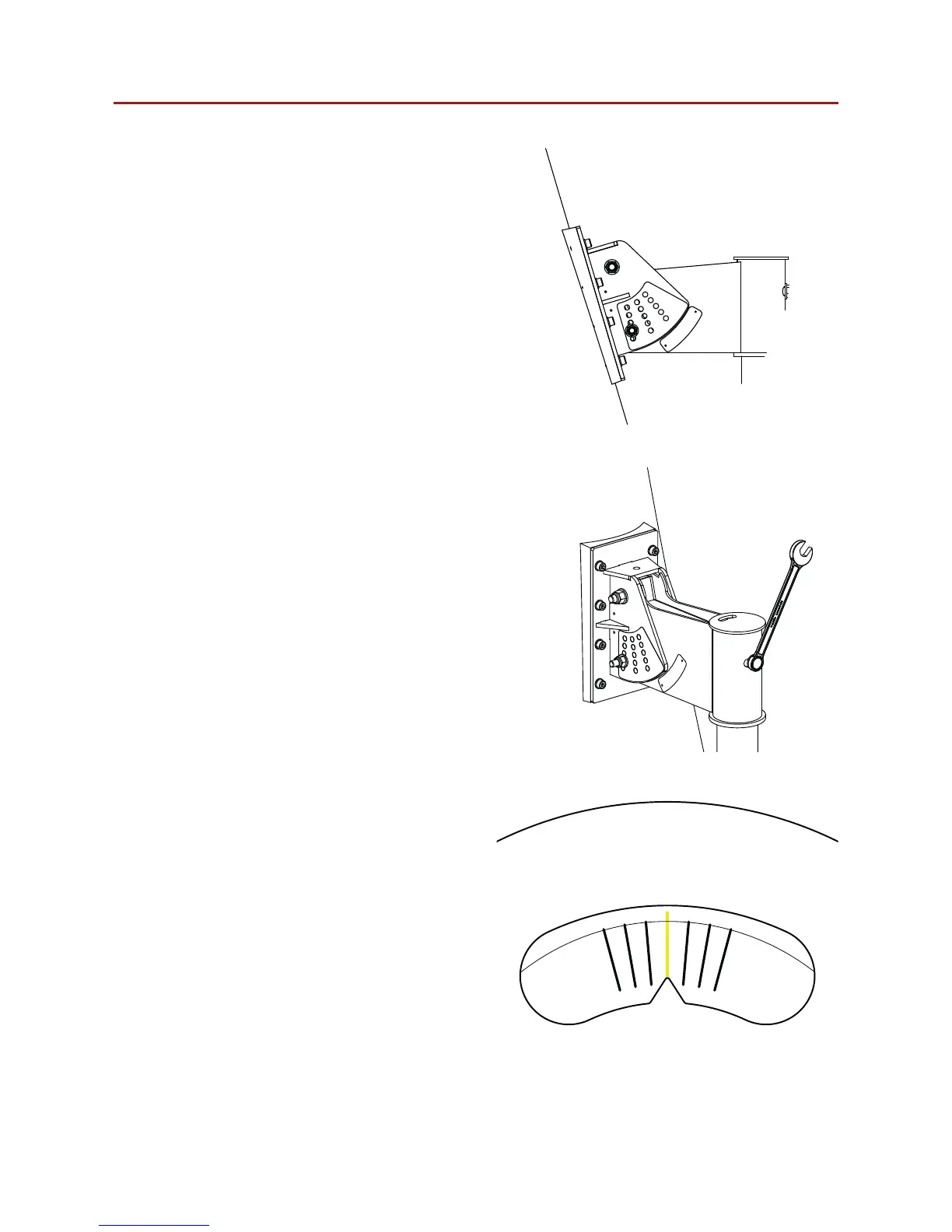
Once the vertical angle has been selected
attach the M8 bolt through the appropriate
slot.
Figure 7.7: M8 bolt replacement
Step 8:
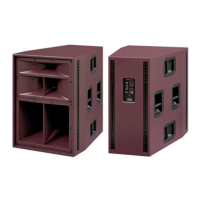
Loosen, but do not remove, the M8 bolt from
the rear of the bracket assembly.
Figure 7.8: M8 bolt loosening
+15-15
Step 9:
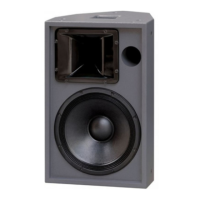
Adjust the horizontal angle of the Nexus 6 to
the desired direction using the angle finder on
the top of the bracket assembly.
Figure 7.9: Horizontal angle adjustment


 To Next Page