25
Navigation system
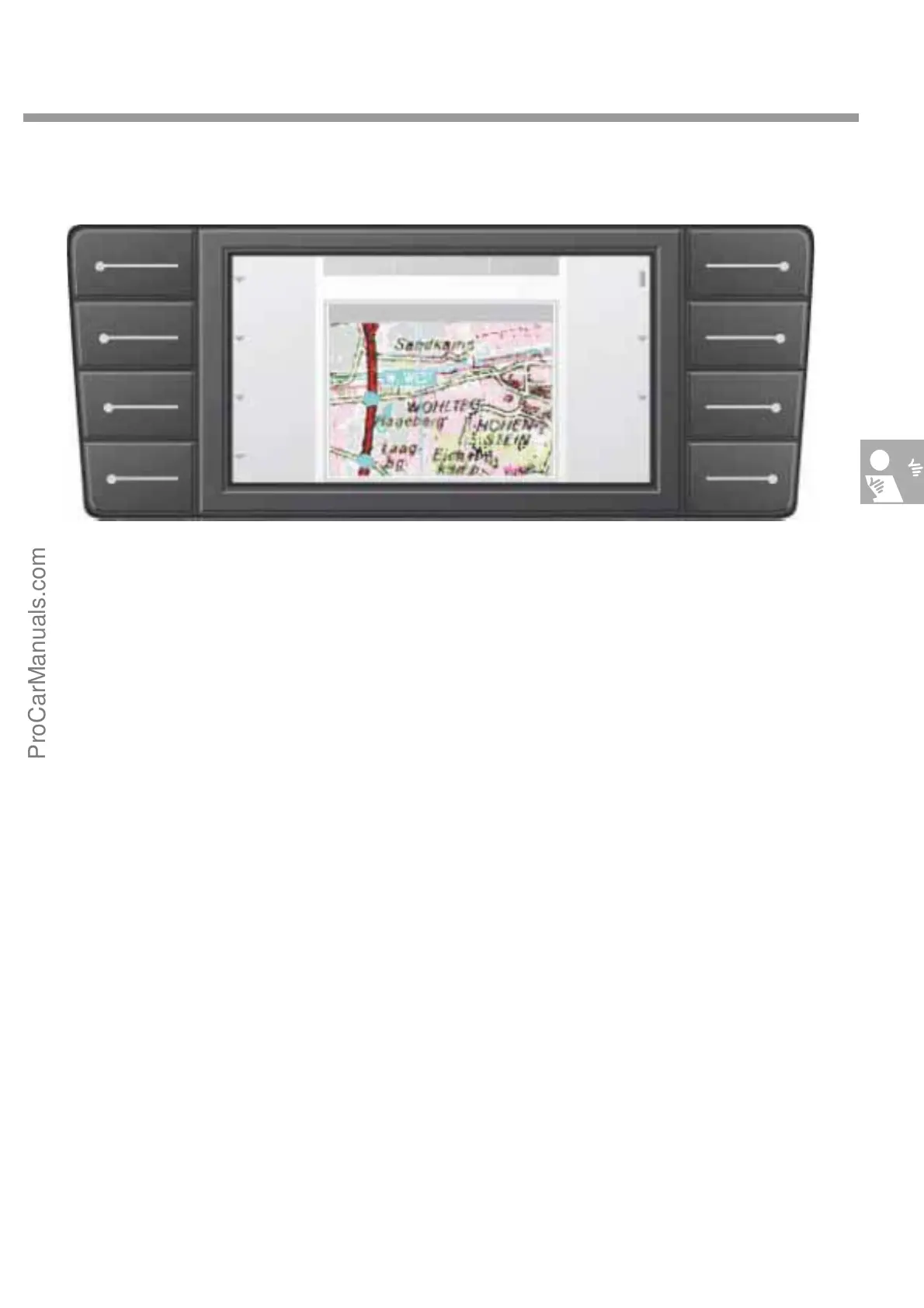
As the Navigation menu is highly complex, we
will only describe the main menu briefly here.
This is the menu which appears when you press
the "Navi" key in the main menu key line on the
information display and operating unit.
Press the "Enter dest." key to open a submenu
where you can define various routes to the desti-
nation for the route guidance system.
Press "Save veh. location“ in a submenu to save
the current vehicle location in the memory by
entering the place name letter by letter using the
rotary/push knob.
In the "Alternative route" submenu to define the
distance which you want to cover with the alter-
native route.
When you press the "Full screen" key, the map
section expands to the full screen area. The key
function descriptions are then hidden. Press any
function key to return to standard display
mode. The submenus "Display" and "Section“
allow a number of different display options.
When you have finished entering the destination,
the route guidance function is activated by press-
ing the "Start route" key.
NDR220°C 20°C
NAVIGATION
Wolfsburg West
Other
Full screen
Enter desti-
nation
Store
location
Alternative
route
Display
Section
Start
route
2 km
S274_086
ProCarManuals.com


 To Next Page