26
Overview of functions
Audio/TV function
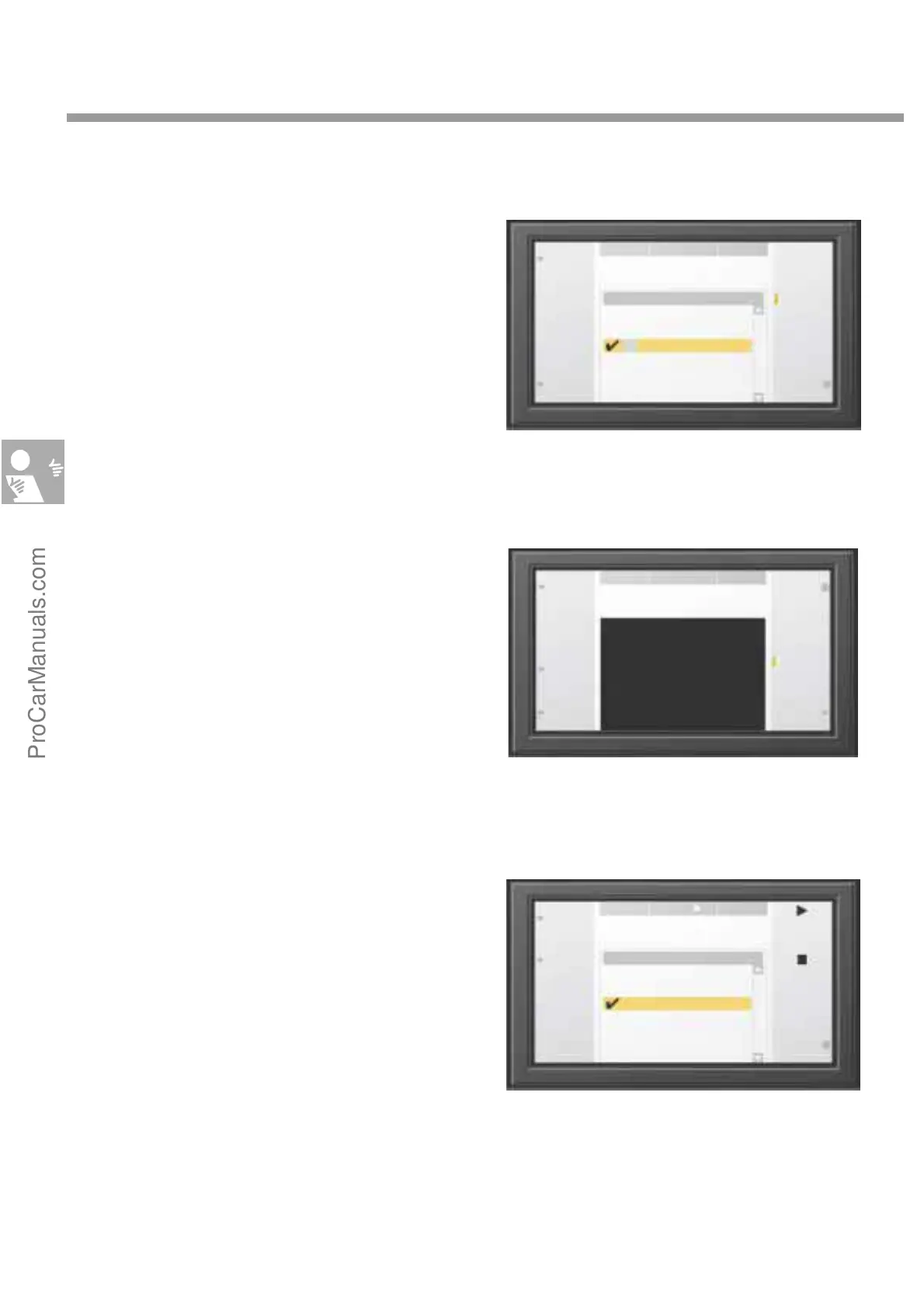
Radio main menu
The main menu shows a directory of all
receivable stations. The numbers in front of the
names indicate the station button assignments.
The tick indicates the current station selection.
Press "List/Manual" to toggle between a list dis-
play and a frequency scale display.
TV main menu
When the Audio/TV function is active, the
TV picture appears when you press the "TV" key
in the audio line. However, the TV picture only
appears on the main screen when the car is not
moving.
Music CD main menu
The "CD“ key in the audio line opens a
list of CD tracks when the Audio/TV function is
active. You can then select a track by pressing the
key 1 to 6 in the audio line. You can also select a
track by using the rotary/push knob or by using
the operating elements in the Audio line.
The "Playback mode" function key opens a sub-
menu in which you can activate, say, a random
track selection.
NDR2
AUDIO-TV
Radio FM
20.0°C 20.0°C
Receivable stations
1
2
3
Aerial
Brocken
FFN
NDR2
N-Joy
Radio 21
DSP
Auto
store
Manual
List
RDS
run. text
Select
Select
DSP
Playing
mode
CD 5 62:15
Track 1
Track 2
Track 3
Track 4
Track 5
Track 6
8:12
7:26
10:05
3:56
9:30
6:25
AUDIO-TV
CD
CD 520.0°C 20.0°C3
Play
DSP
Teletext
Auto
store
Sett-
ings
Track
station
A 1-6
M 1-6
Full
screen
14
AUDIO-TV
TV
20.0°C 20.0°CZDF
S274_087
S274_089
S274_088
Stop
ProCarManuals.com


 To Next Page