29
Traffic menu
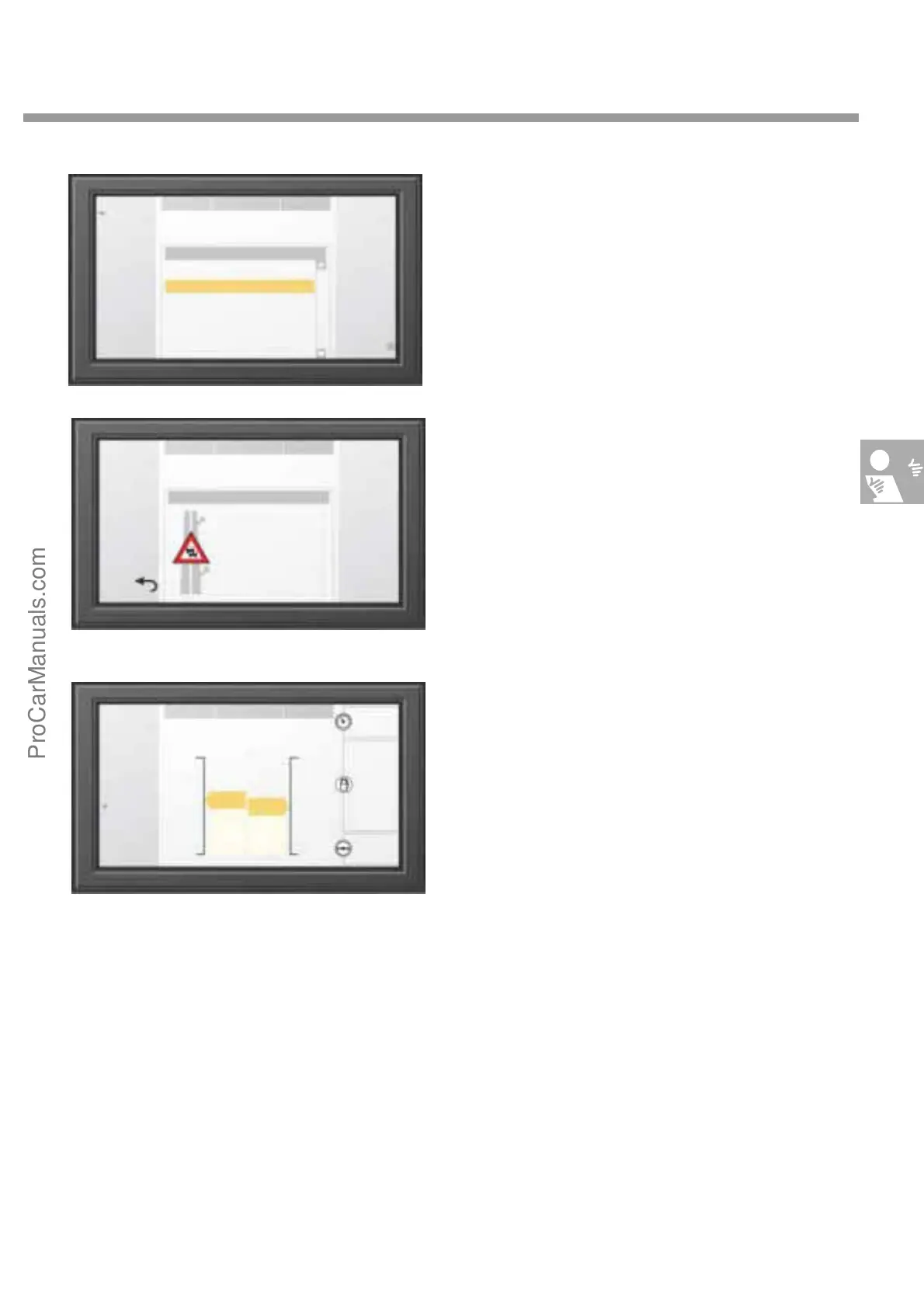
The "Traffic“ function opens the Traffic main
menu.
The "TIM“ key opens a submenu, which can
recall recorded radio traffic announcements.
The last digital traffic announcements stored are
displayed in the centre of the screen. After you
select an entry using the rotary/push knob, you
can view the details of the announcement of play
back the announcement.
On-board computer
The main menu of the "Board PC“ function dis-
plays statistical data about the current trip.
Press the keys "To dest." or "From start" to select
whether the data displayed refer to the start or
the destination.
The "Long-term stats" key opens a
submenu which display data referring to total
operating time.
NDR2
TRAFFIC
Radio FM
20.0°C
Announcements
A2
A2
A2
A2
B49
Berlin - Helmstedt
Helmstedt - Braunschweig
Lehrte - Hannover
Hämelerwald - Braunschweig
Hamburg Stadtgebiet
TIM
Play
07:15
09:30
10:12
14:23
15:56
NDR2
TRAFFIC
Details
20.0°C 20.0°C
B49 Hamburg City 15:56
Centre
Osdorf
Danger: Roadworks!
15 km traffic jam!
Previous
Next
To destina-
tion
NDR2
BOARD PC
Dest.: Braunschweig
20.0°C 20.0°C
Back
From start
Long-term
statistics
av. 128
km/h
av. 9.2
l/100km
26
km
12.9
l/100km
1:12
hrs.
631
0
18.30
14.00
2:06
294
20.0°C
The following information is displayed
using the "Board PC" function:
- Start time
- Expected time of arrival
-Elapsed time
- Total distance
- Distance travelled
- Average speed
- Average consumption
- Distance to next refueling stop
-Current fuel consumption
- Travel time since last stop
Detail display
S274_095
S274_096
S274_097
ProCarManuals.com


 To Next Page