30
Overview of functions
Manual function
Opens the electronic owner's manual. Press the
function key to open the index. There you can
select an entry by using the rotary/push knob.
Help menu
The "Help“ function can be opened when you
need information on how to use the Infotainment
system when you are in a menu. Press "OK“ to
return to the menu. "More" opens a chapter in
the electronic owner's manual.
Index
Help for address book:
Select from address book
Navigate from address book
Change phone number
Delete phone number
Store phone number
Store location
Index
Back
NDR2
TRAFFIC
20.0°C20.0°C
HELP
More OK
Function name:
Function description
in max. four lines
S274_098
S274_099
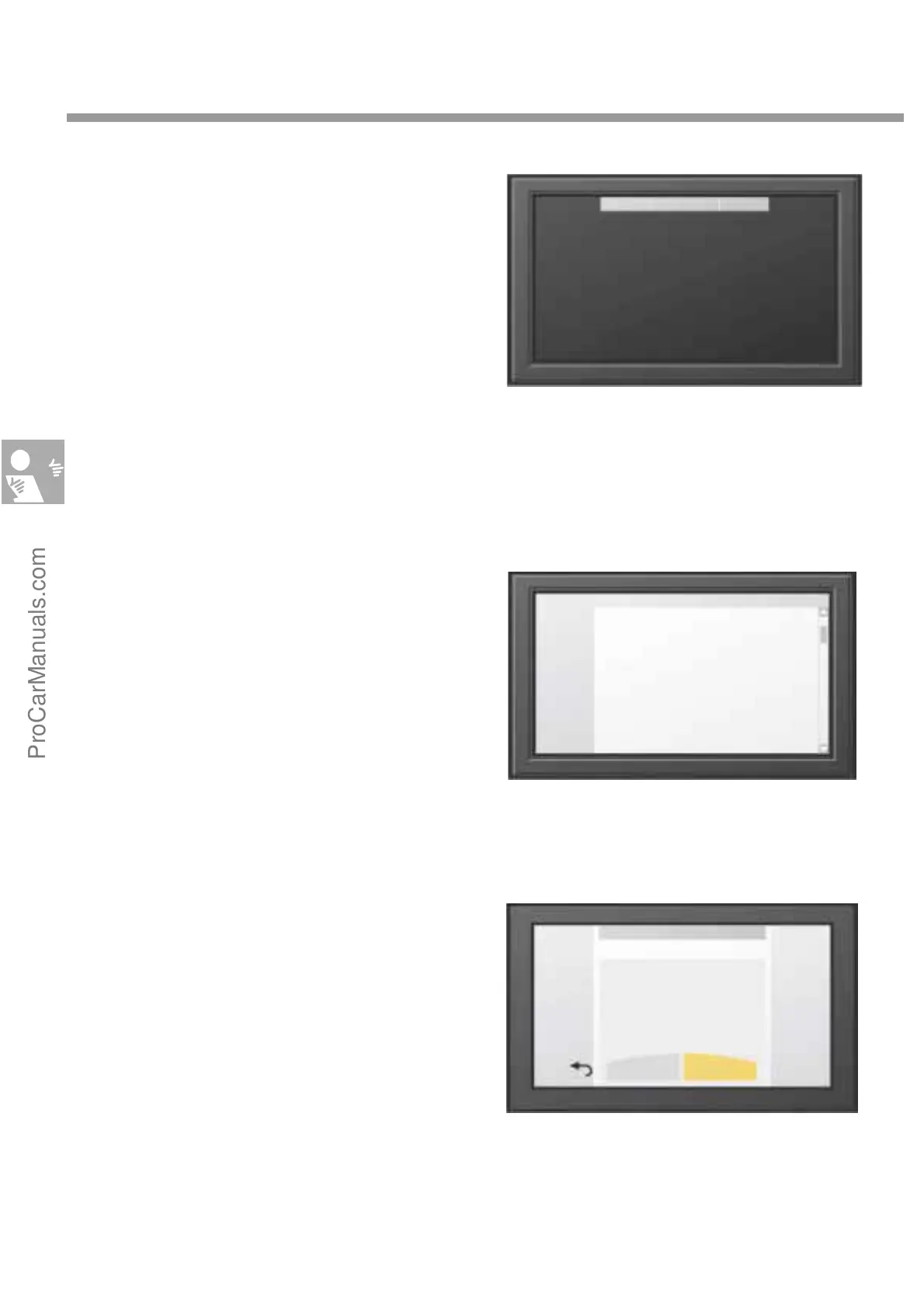
On/Dark function
This function switches off the MF display except
for the status line at the top edge of the display.
Press the function key again to switch the display
back on. When "Ignition off“ is selected, the Info-
tainment system can be switched on by pressing
the "On/Dark“ key.
20.0°C 20.0°CNDR 2
S274_093
ProCarManuals.com


 To Next Page